Supportly's AI Copilot answers plain-English questions from your own data — rosters, participants, workers, incidents. No report to build, no menu to hunt through.
Finding one answer usually means knowing which screen, which filter, which report. That's fine once your team has learned the system — until someone new joins, or the question is one nobody's built a report for yet.
AI Copilot skips that step. You type the question the way you'd say it out loud, and it answers from data your team already has access to.
Built into Supportly, off by default, and switched on in under two minutes.
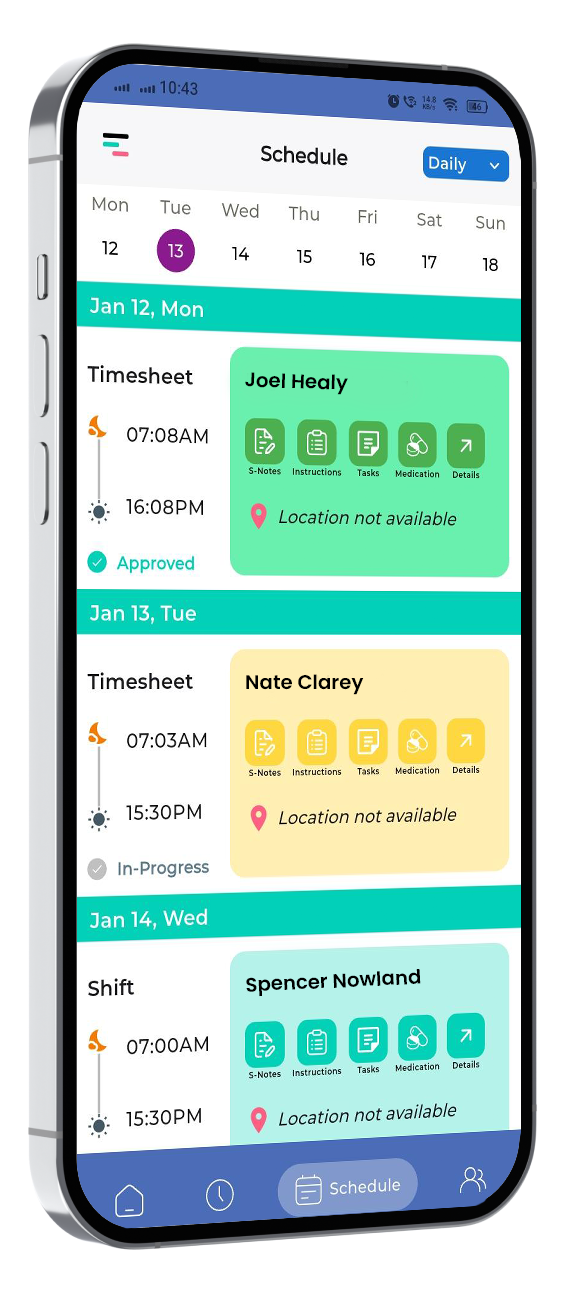
"What shifts are scheduled this week?" Type it in plain English, get the answer back — no report to build.
"Which workers have documents expiring this month?" — the compliance check worth running weekly, answered in seconds.
If your team uses ChatGPT, they can use this from the first morning it's switched on. No new process to learn.
You already know how to use it — there's no separate skill to build, just a question to type.
We'd rather answer that up front than leave it to a FAQ page nobody finds.
Thirty minutes. Bring a question you'd actually ask about your own rosters, participants or workers, and we'll show you the answer live.
Fill in your details and one of our team will be in touch within 1 business day.

No. It answers questions — what's scheduled, who's missing a document, what happened on a shift. Any decision stays with your team.
Copilot is under active testing and continuous improvement, so we don't publish an accuracy percentage. Ask it a question about your own data in a demo and judge for yourself.
No formal training — if your team is comfortable typing a question into any AI assistant, they can use Copilot the first morning it's switched on. You already know how to use it; there's nothing new to learn.
No. It's off until an admin switches it on under Business Settings → AI Settings.
Book a 30-minute demo and bring a real question about your own data.
Book a 30-Minute Demo →Give your workers the app they deserve.
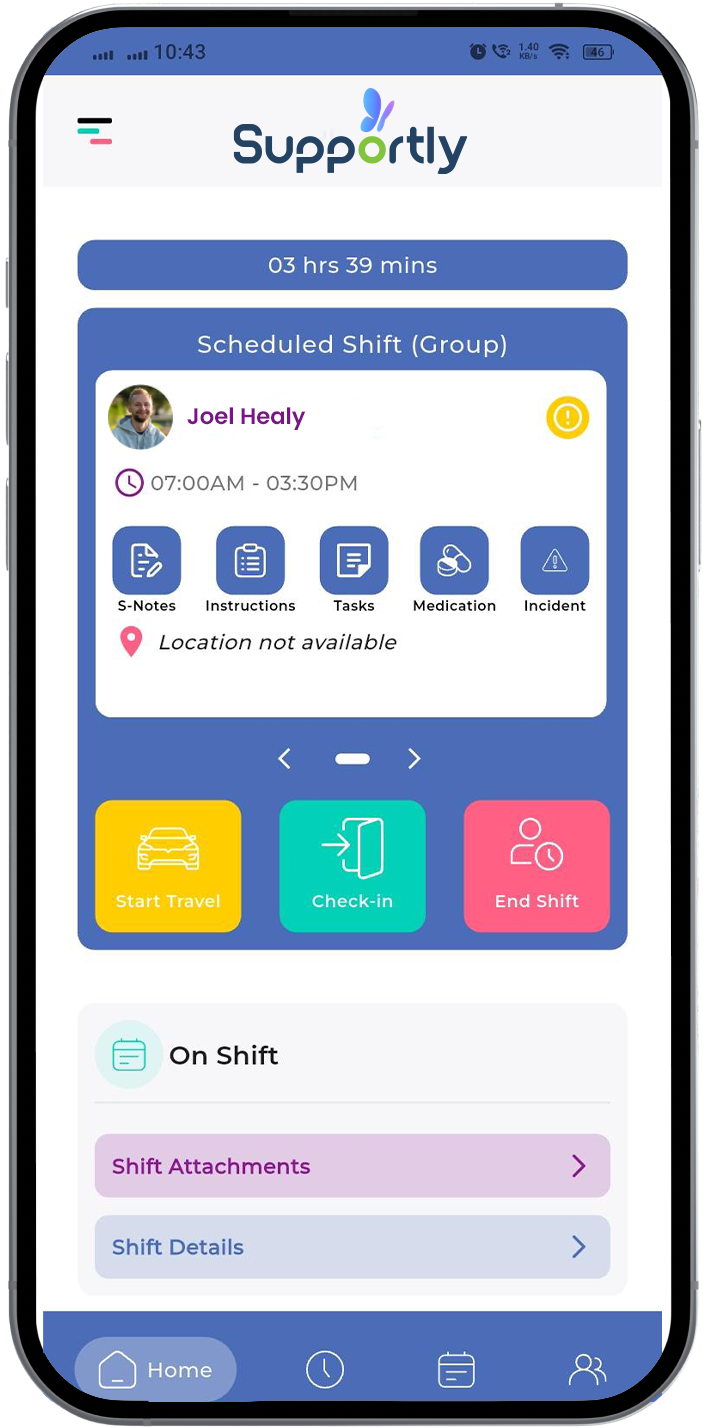
Download the Supportly app from the App Store or Google Play. Available now for iOS and Android.