Journey Tracker Software | Supportly

● PART OF SUPPORTLY ROSTERING

Travel Time,
Tracked Automatically

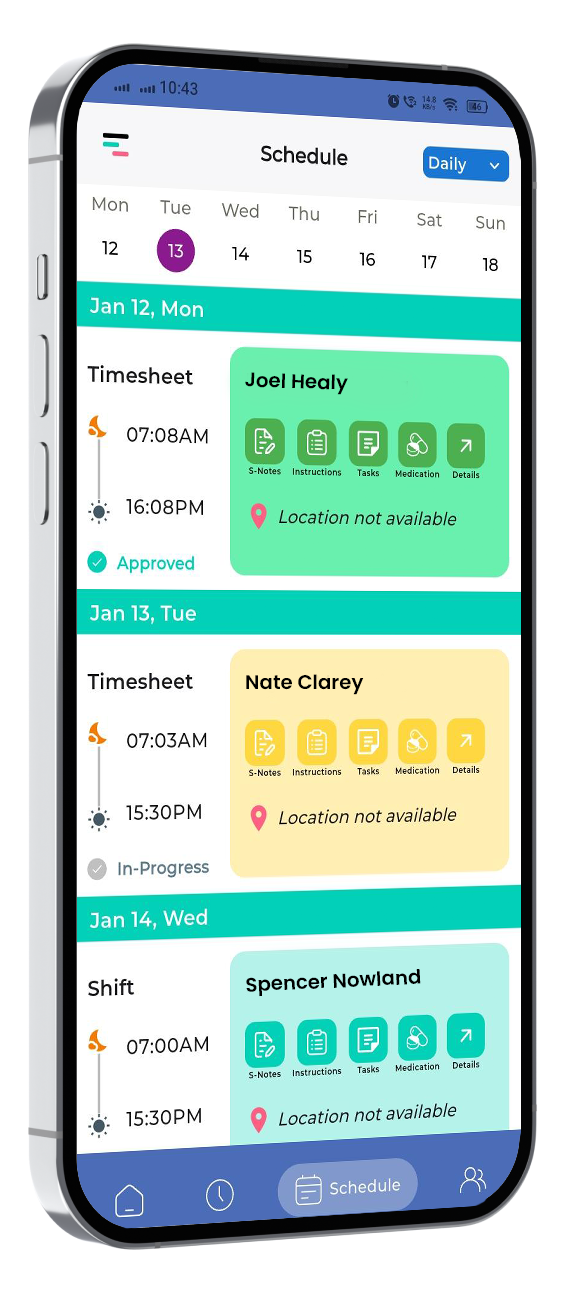
A roster built without travel time in mind sets workers up to be late. Supportly calculates travel time between consecutive shifts automatically.

Journey Log — Priya N.

Shift A → Shift B

18 min travel

Km reimbursement

Auto-calculated

Tight turnaround

Flagged
Travel logged
auto-calculated
Feasible roster
checked automatically

Three Simple Steps to Journey Tracking

From roster to reimbursement — tracked automatically.

  1. Step 01 — Map the Roster

    Travel time between consecutive shifts is calculated as the roster is built.

  2. Step 02 — Catch Tight Turnarounds

    Supportly flags a gap that's too short before the shift is published.

  3. Step 03 — Track and Reimburse

    Actual travel time and distance log automatically for allowance claims.

My top priority right now is…

Pick yours — Supportly was built for every one of them. Tap a card to see how.

Knowing if a worker can make the next shift on time. Learn more

A roster built without travel time in mind sets workers up to be late. Supportly calculates travel time between consecutive shifts automatically.

  • Calculates travel time between every consecutive shift
  • Flags a turnaround that's too tight before it's published
  • Builds a more realistic roster from the start
Book a Demo →
Calculating travel allowance without a separate claim. Learn more

Manually calculating kilometres and travel time for reimbursement is slow and error-prone. Supportly tracks it automatically from the roster itself.

  • Tracks kilometres and travel time automatically
  • Removes the separate manual travel claim form
  • Keeps travel reimbursement consistent across the team
Book a Demo →
Cross-checking travel claims against the actual roster. Learn more

A travel claim that doesn't match the roster is a payroll question waiting to happen. Supportly checks every claim against actual shift locations.

  • Cross-checks travel claims against the rostered shifts
  • Flags a claim that doesn't match automatically
  • Removes manual timesheet reconciliation
Book a Demo →
Seeing travel patterns across the whole roster. Learn more

Excess travel time across the roster is easy to miss shift by shift. Supportly surfaces travel patterns across the whole team.

  • Shows travel patterns across the whole roster, not shift by shift
  • Helps identify rostering inefficiencies early
  • Supports better rostering decisions over time
Book a Demo →

What Supportly Journey Tracker Does

Everything above, in one list.

Calculates travel time between every consecutive shift

Flags a turnaround that's too tight before it's published

Tracks kilometres and travel time automatically

Cross-checks travel claims against the actual roster

Removes the separate manual travel claim form

Surfaces travel patterns across the whole team

See Supportly in Action

Trusted by NDIS Providers

CapterraXeroGoogleG2
★★★★★
"Great service for our business. Helps simplify everything, and great customer support."
Mohamad Taleb
NDIS Provider ★★★★★
★★★★★
"Vertex 360 has been a great app for our team. Everything is in one place and easy to track."
Alpha Pattison
NDIS Provider
★★★★★
"Vertex360 has transformed our community care business. The support team are amazing and quick to respond, and they work with you to ensure you meet your obligations as an NDIS provider."

Judy Beeken
General Manager / Director, Anothen Community Care
★★★★★
"We have been using Vertex for a while now and our team is finding it much easier to manage this side of the business with this system."

Abeer Sirg
a month ago
★★★★★
"Vertex360 is an amazing product and has saved our company time and money. I can't recommend it enough — it's way better and easier to navigate than other products we've used."
Keats Disability Services
NDIS Provider
Get Started

Transform Your NDIS Worker Management
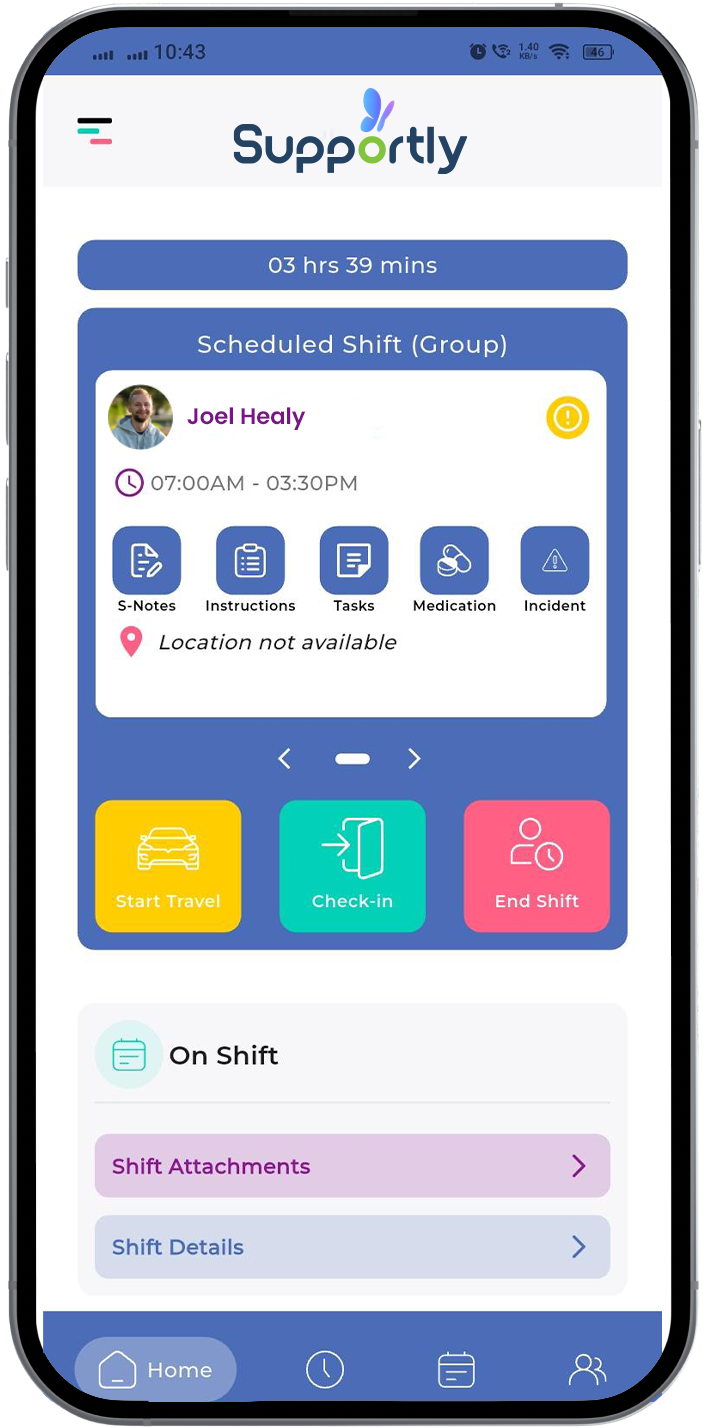
Give your workers the app they deserve.
Download the Supportly app from the App Store or Google Play. Available now for iOS and Android.