.png)
- Home
-
Feature
Care Management Overview
- Mobile App
- About Us
- Video Gallery
- Pricing
- Contact Us
Many to One
participants assigned
to a single worker
Group shifts without manual
double-entry or errors.
Any Shift Shape
split shifts tracked
accurately
Morning and evening blocks
logged as one shift.
One System
not a bolt-on
rostering tool
Browser-based, so any staff
member can use it from day one.
From migration to a published roster — faster than you'd expect.
Migrate existing participant records, staff details and roster history. Operations continue while we connect everything behind the scenes.
Assign one worker to multiple participants, or split a shift across time blocks — both in the same roster view.
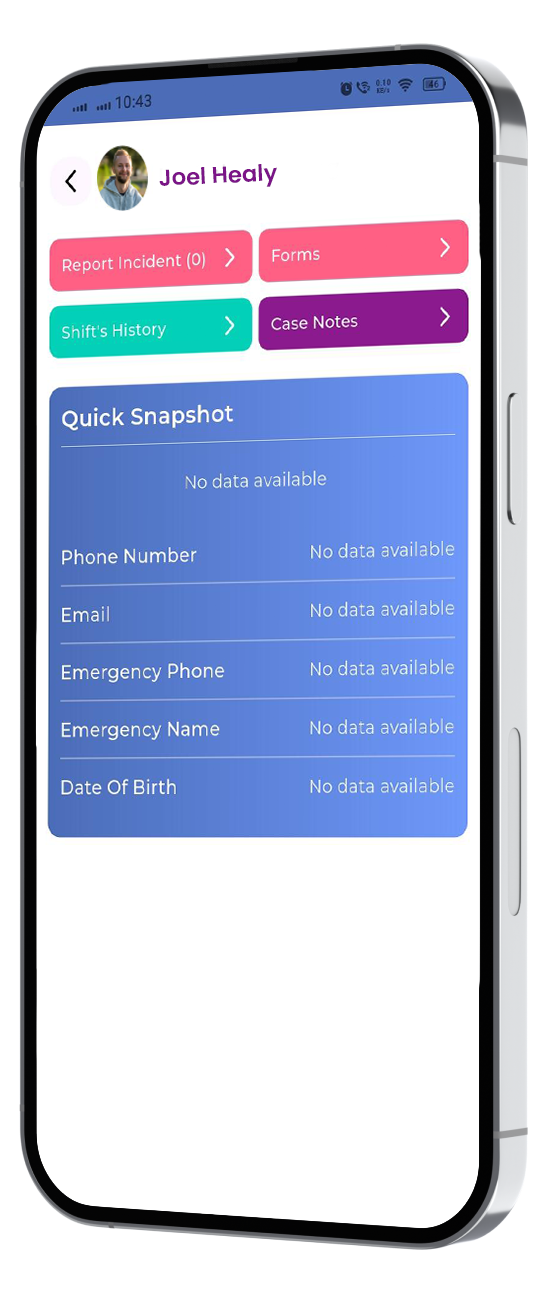
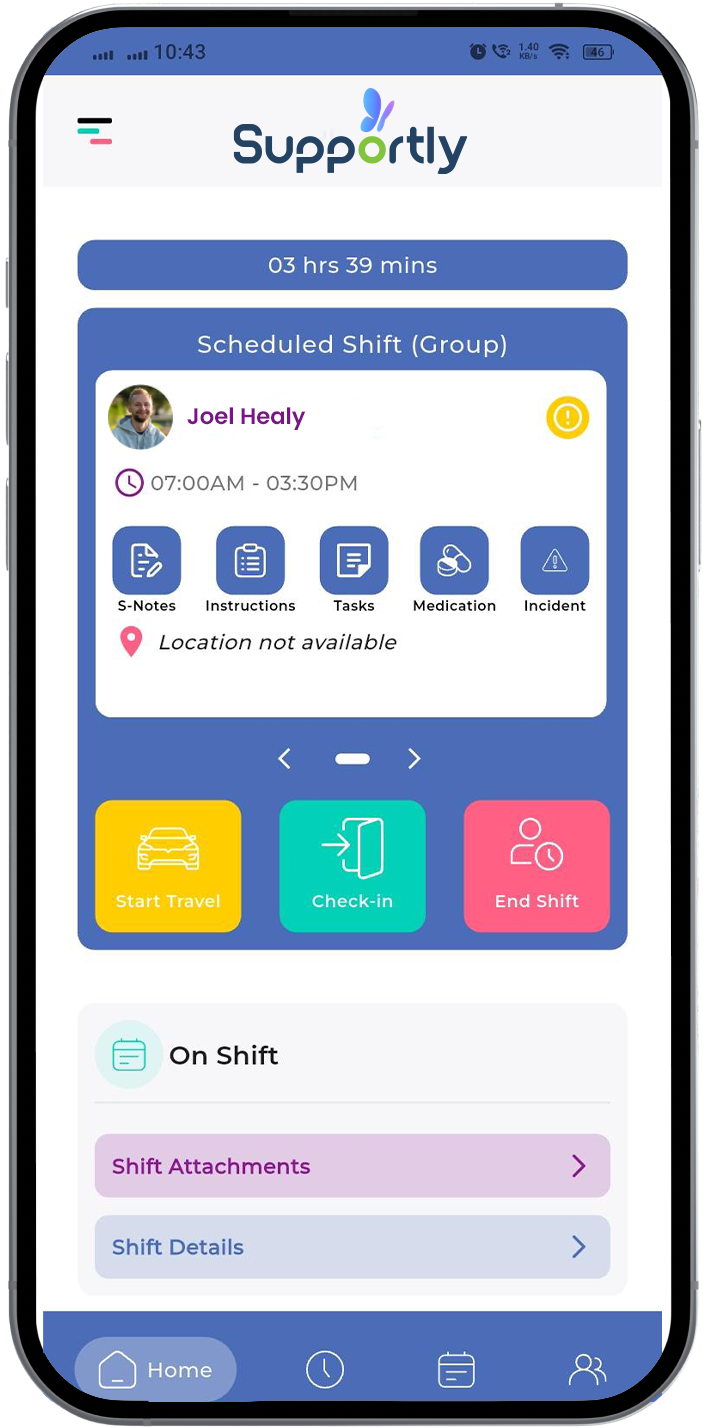
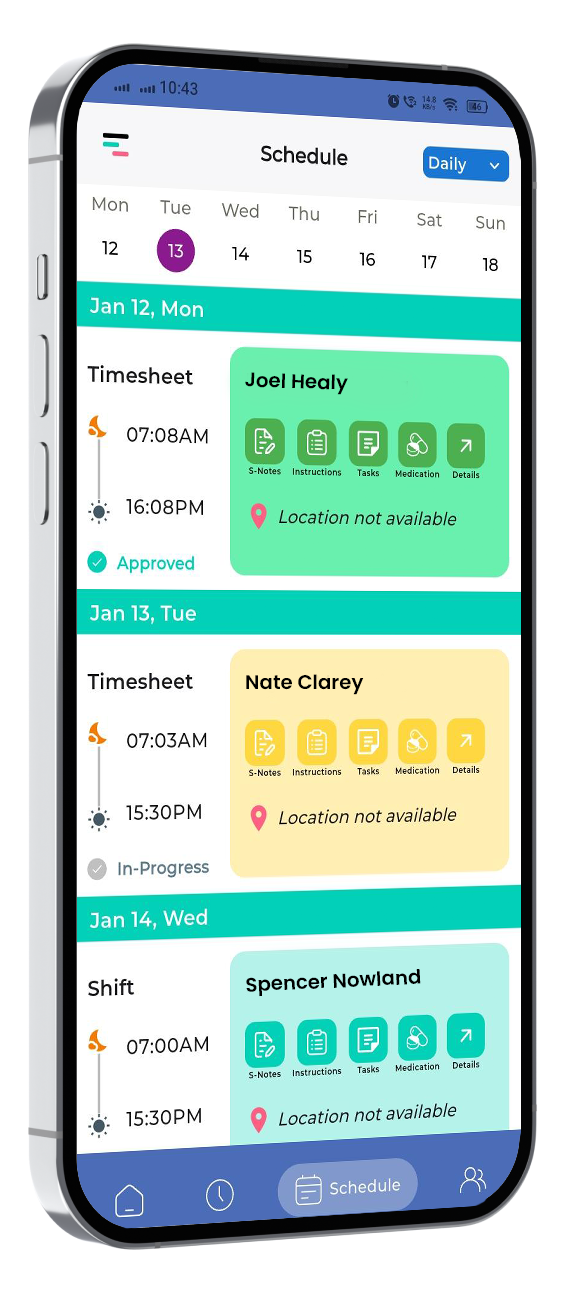
Shifts sync to the worker's app instantly, tracked accurately from the first minute to the last.
Pick yours — Supportly was built for every one of them. Tap a card to see how.
Not every shift is one worker, one participant. Supportly lets you assign a single worker across multiple participants, without double-entry.
A shift that runs morning and evening isn't two shifts — it's one, split. Supportly tracks split shifts as a single roster entry with accurate time recording.
A standalone tool adds licensing cost and another login. Supportly is built in — one system, one login, nothing extra to maintain.
A complicated tool means training time you don't have. Supportly runs in the browser — pick it up from day one.
Everything above, in one list.
Assigns one worker to multiple participants in a single shift
Tracks split shifts as one entry, accurately timed
Runs as one integrated system, not a bolt-on rostering tool
Works in the browser — no separate app to learn
Migrates existing participant, staff and roster data
Publishes shifts straight to the worker's app