.png)















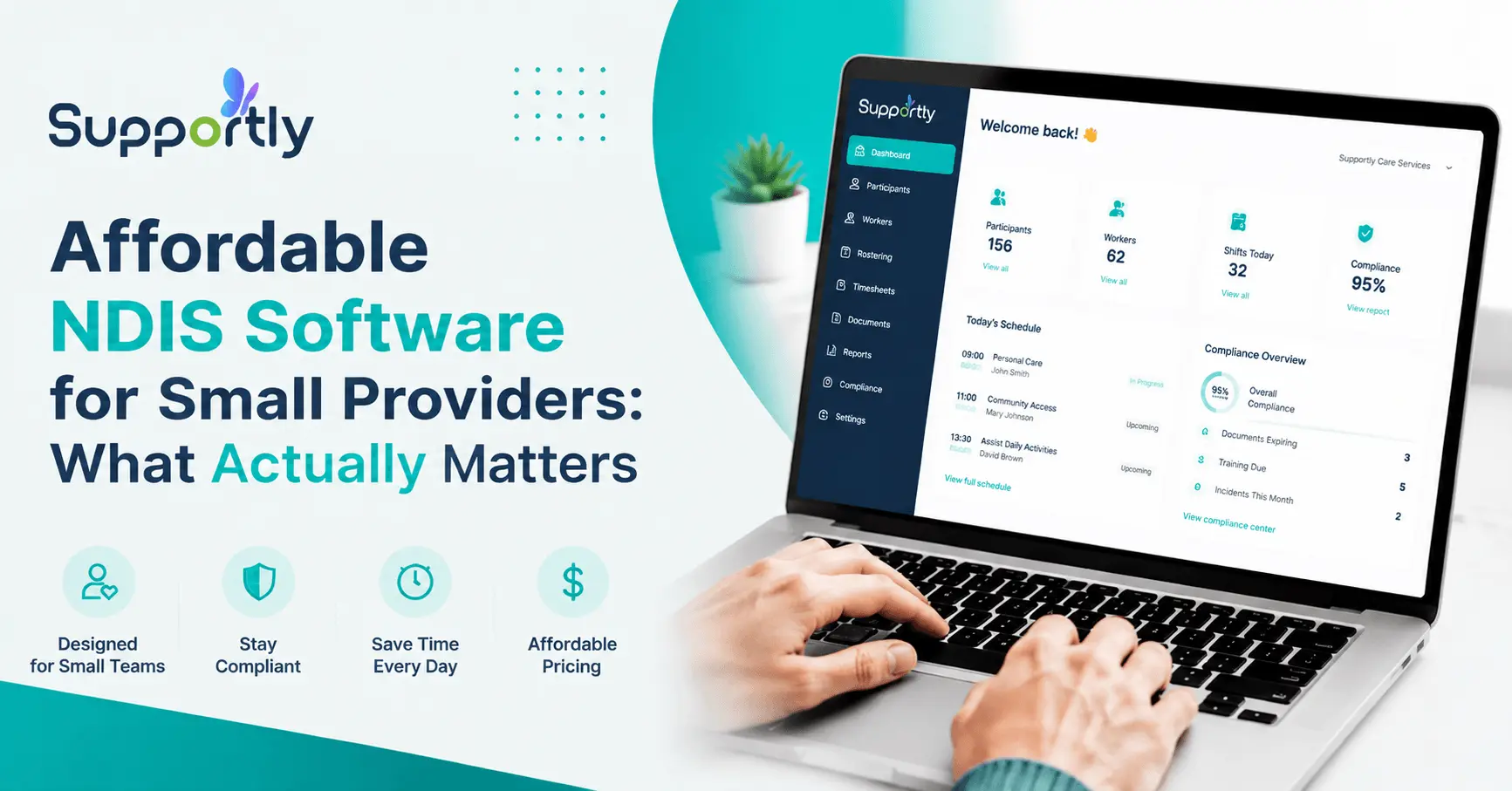
Cheap Software Isn't the Same as Affordable Software
Small NDIS providers juggle rostering, invoicing, compliance, and participant records, usually with a team of a dozen people or fewer and no dedicated IT support. Finding software that handles all of it without draining the budget shouldn't be this hard.
The problem is, a lot of "affordable" NDIS software is affordable for a reason. Missing features, clunky interfaces, or hidden fees that show up once you're already locked in. This guide covers what actually makes NDIS software affordable, not just cheap, and what to check before you commit.

Why Small Providers Struggle to Find the Right Fit
Running a small NDIS provider means balancing quality care against tight operational budgets. Most face the same set of pressures:
High subscription fees. Many platforms charge per user, so every hire adds to your software bill. What looked affordable at five staff can get expensive fast at fifteen.
Complex interfaces. Not every team has a dedicated tech-savvy admin. Software that takes weeks to learn eats into the time it was supposed to save.
Rigid pricing that doesn't scale sensibly. Some platforms lock features behind expensive upgrade tiers the moment your caseload grows, forcing a choice between overpaying now or migrating systems later.
Fragmented systems. Spreadsheets, paper forms, and two or three disconnected tools trying to do one job. Every disconnect is a chance for a mistake, a missed compliance record, or a billing error.
What Genuinely Affordable NDIS Software Looks Like
Predictable, transparent pricing. You should know exactly what you'll pay and why, with no surprise charges buried in fine print. Supportly's pricing is based on participant numbers, not staff headcount, so you can forecast costs without guessing whether your next hire changes the bill.
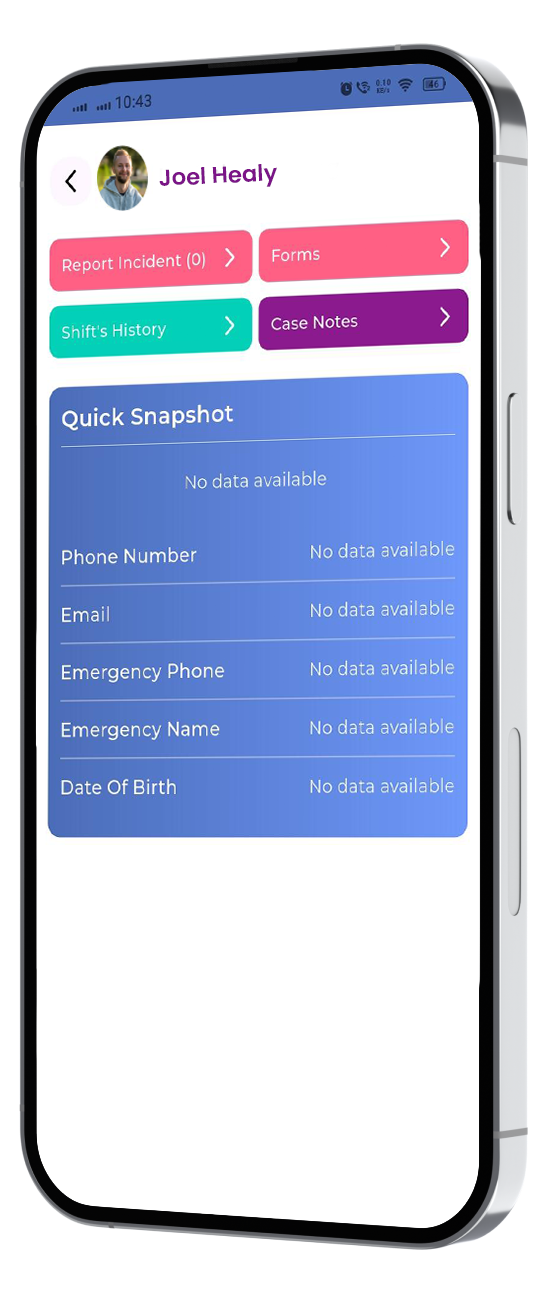
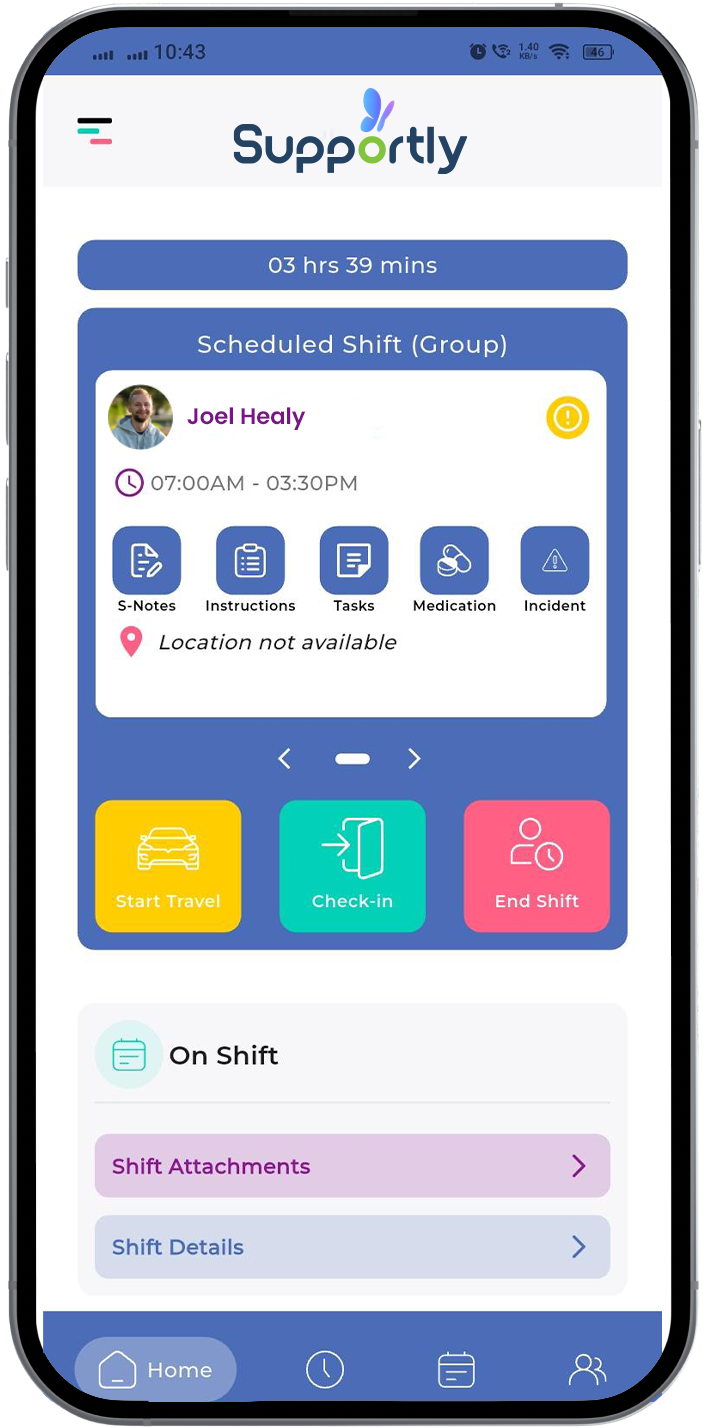
An interface your team can actually use. Affordable software that takes weeks of training to learn isn't really saving you anything. A clean, intuitive interface cuts onboarding time and reduces the errors that come from staff working around a system they don't understand.
Room to grow without switching systems. The software you choose now shouldn't force a painful migration in eighteen months. Supportly's participant-based tiers scale from 1–5 participants right up to 400+, so growth doesn't mean starting over.
Built-in compliance, not bolted on. Manual compliance tracking is slow and error-prone. Software that handles documentation, incident management, and reporting as part of its core workflow, not an expensive add-on, keeps you audit-ready without extra admin.
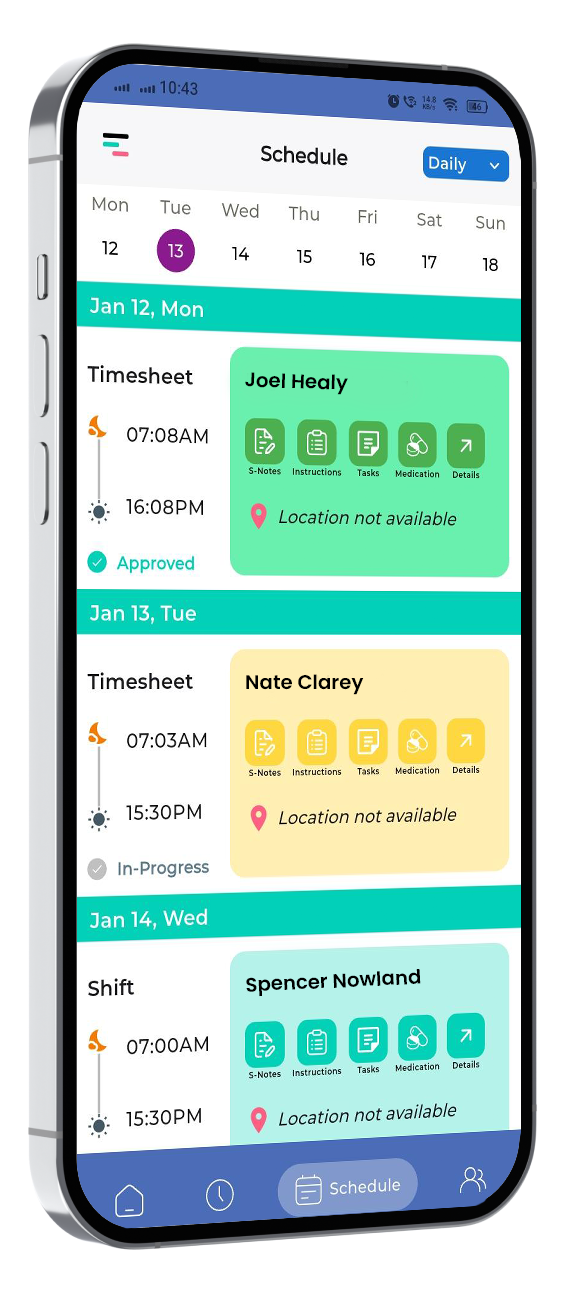
One connected system, not three disconnected ones. Participant records, rostering, invoicing, and compliance reporting should draw from the same data, so your team isn't re-entering information across separate tools.
What to Check Before You Commit
- Ask for the full pricing breakdown, including onboarding and data migration costs, not just the headline monthly figure
- Confirm what's included at your tier, since some platforms charge extra for features that should be standard
- Check the support channels available, and how quickly a real person responds when something goes wrong
- Read real reviews from other small providers, not just the vendor's own case studies
- Ask how pricing changes as you grow, so you're not blindsided by a jump in cost at your next hire or your next ten participants
Supportly's Approach to Small Provider Pricing
Supportly's Total Suite starts at $35/month (plus GST) for 1–5 participants, with free accounts for support workers, so growing your direct care team doesn't move your bill. Onboarding is $199, and data migration for staff and participant records is $3 per file. There's no lock-in on Total Suite, so you're not stuck if your needs change.

See Supportly's Pricing for Your Team
Check your exact tier and see what predictable, participant-based pricing actually looks like for your provider.
Book Your Free Supportly Demo →
Or view the full pricing breakdown.
Frequently Asked Questions
What's the cheapest NDIS software for a small provider?
Cost depends on how your team is structured. Per-user platforms can look cheap at a small headcount but scale expensive as you hire. Participant-based pricing, like Supportly's, tends to work out more predictable for teams with several support workers and a smaller number of admin staff.
Does Supportly charge based on staff numbers or participant numbers?
Participant numbers. Support workers get free accounts on every Supportly plan.
Is there a lock-in contract?
Total Suite is month-to-month with no lock-in. Platinum requires a minimum 12-month term.
What's included in Supportly's onboarding?
Every plan includes a guided onboarding session for $199, plus data migration for staff and participant records at $3 per file.
Can I upgrade my plan as my provider grows?
Yes. You can move between participant tiers or upgrade from Total Suite to Platinum at any time.