.png)























TL; DR:
At 10 participants, a spreadsheet and a shared calendar can just about hold your NDIS compliance together. You know which worker certifications are expiring. You remember which incidents need follow-up.
At 50 participants, that same system starts cracking. Someone forgets a Working With Children Check renewal. An incident report slips past its notification window.
At 100 participants, manual tracking stops being inconvenient and becomes a liability. One missed deadline can trigger a compliance notice, an audit, or worse, suspension of your registration.
This page covers how NDIS compliance software closes that gap, what the NDIS Practice Standards actually require your systems to do, and how Supportly builds automated compliance protection directly into your day-to-day operations.
What Is NDIS Compliance Software?
NDIS compliance software is a platform that automates the tracking of worker certifications, manages incident reporting workflows against Commission deadlines, sends alerts before documents expire, and generates audit-ready records automatically, removing the manual chase that causes most compliance breaches.

The NDIS Practice Standards Your Software Must Cover
The NDIS Quality and Safeguards Commission doesn't grade effort. It checks whether your obligations were met on time, every time, with evidence to prove it.
Worker screening and qualifications. Every worker delivering supports needs a current NDIS Worker Screening Check, relevant qualifications, and any state-specific clearances. Your software needs to track expiry dates against every worker record, not just store the documents.
Incident reporting timeframes. Reportable incidents including death, serious injury, abuse or neglect, unlawful sexual or physical contact, and unauthorised restrictive practices, must be notified to the Commission within 24 hours of your organisation becoming aware. A follow-up report is then due within 5 business days.
Unauthorised restrictive practices get a slightly longer window: 5 business days, unless the practice caused harm, in which case the 24-hour rule applies. Your platform needs to know the difference automatically.
Risk register maintenance. Practice Standards require an active, reviewed risk register, not a document you built once and forgot. Software should prompt scheduled reviews and log every update with a timestamp.
Quality indicator reporting. Providers need to demonstrate ongoing quality improvement, not just point-in-time compliance. That means your platform should be building a continuous audit trail, not a folder you dig through the week before an audit.
Core Features of Effective NDIS Compliance Software
The best platforms share a common feature set. If a tool is missing any of these, it's a document repository, not compliance software.
- Automated expiry alerts for certifications, screening checks, and policy reviews, sent well before the deadline
- Audit-ready document storage with version history and timestamped access logs
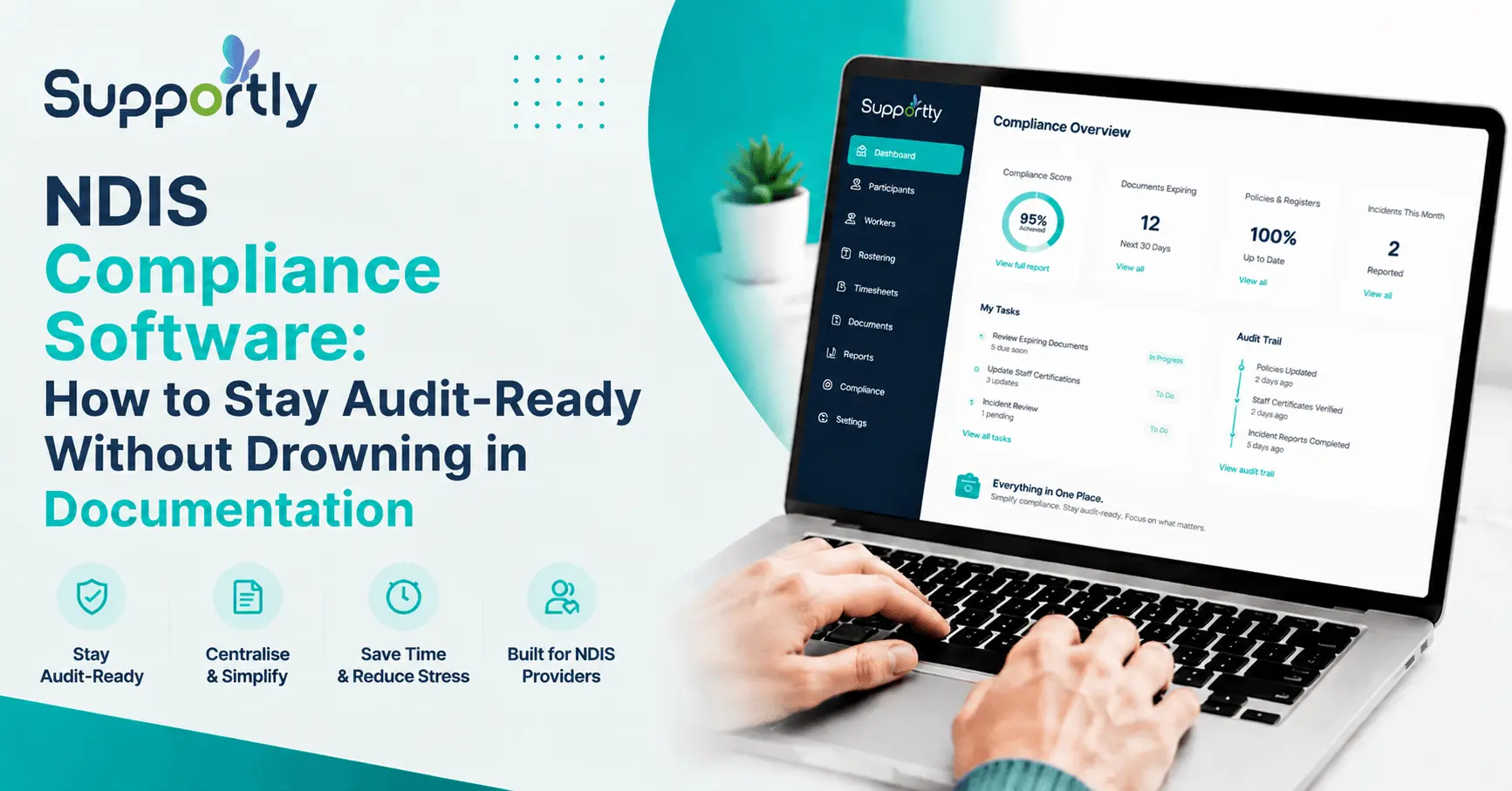
- A live compliance dashboard showing exactly where your organisation stands against each Practice Standard
- Incident report workflows that apply the correct notification timeframe automatically based on incident type
- Practice Standard checklists mapped directly to Commission requirements
- Real-time compliance status visible to managers, not buried in a spreadsheet only one person understands
How Supportly Automates Compliance Protection
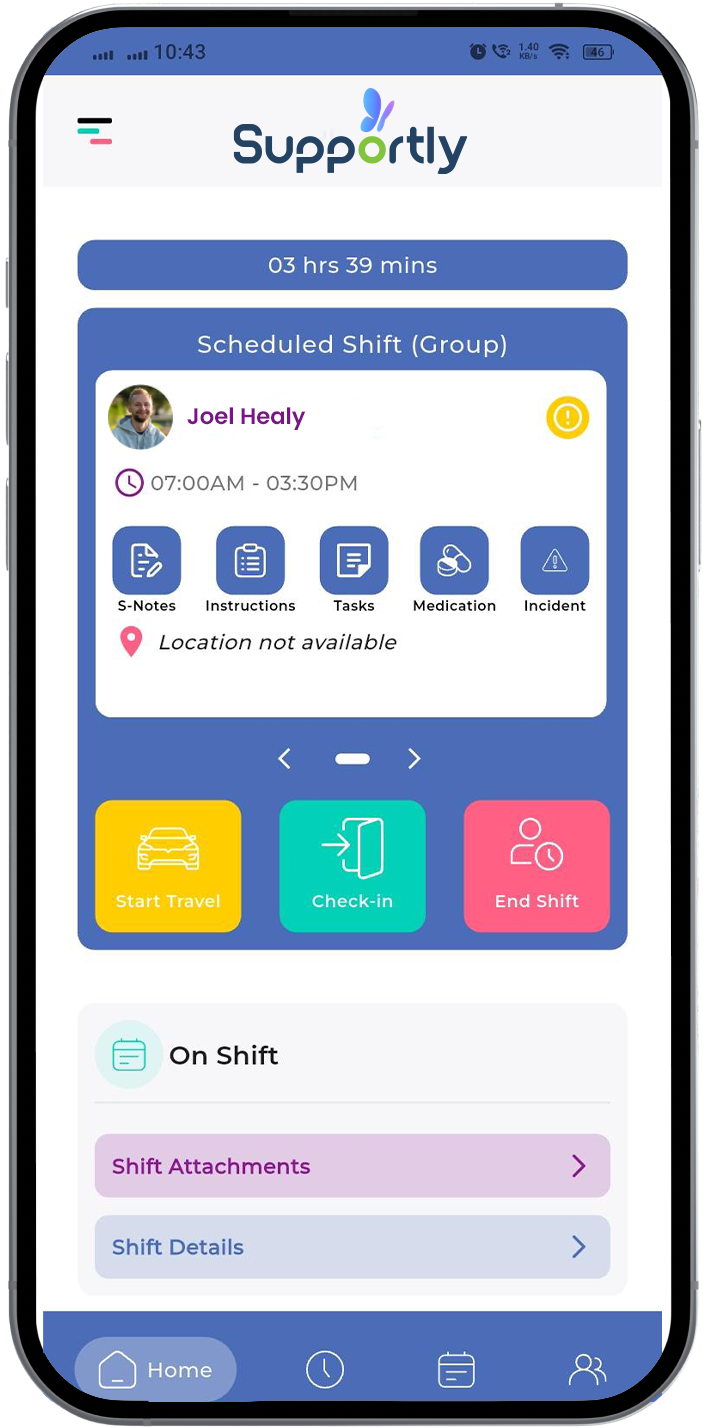
Supportly was built around one idea: compliance shouldn't depend on someone remembering. It should happen automatically, in the background, whether your team is thinking about it or not.
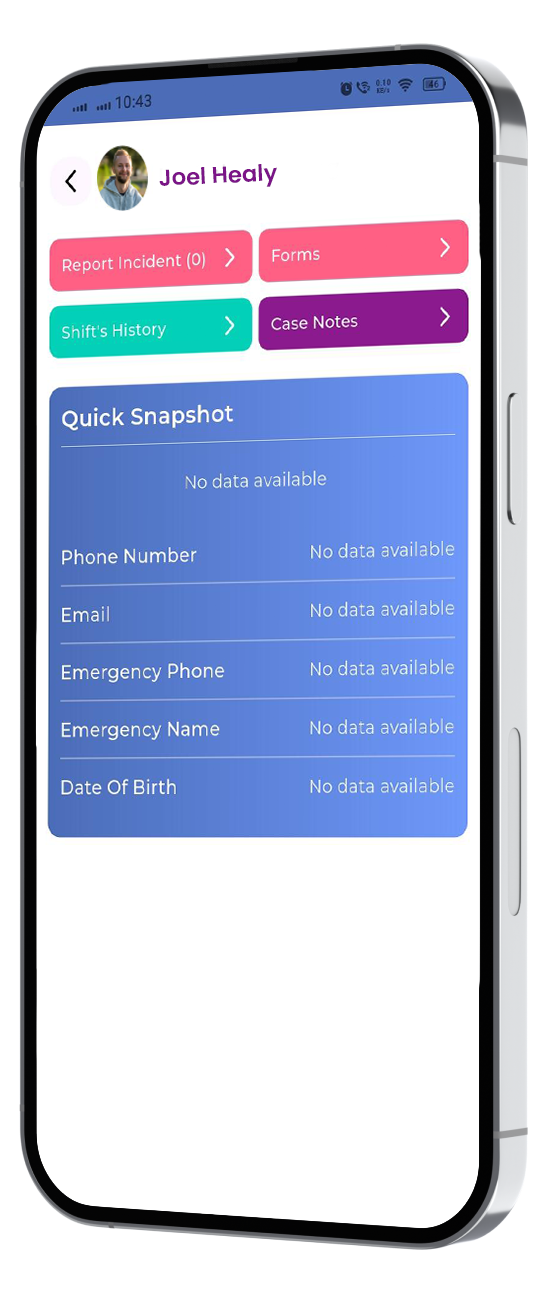
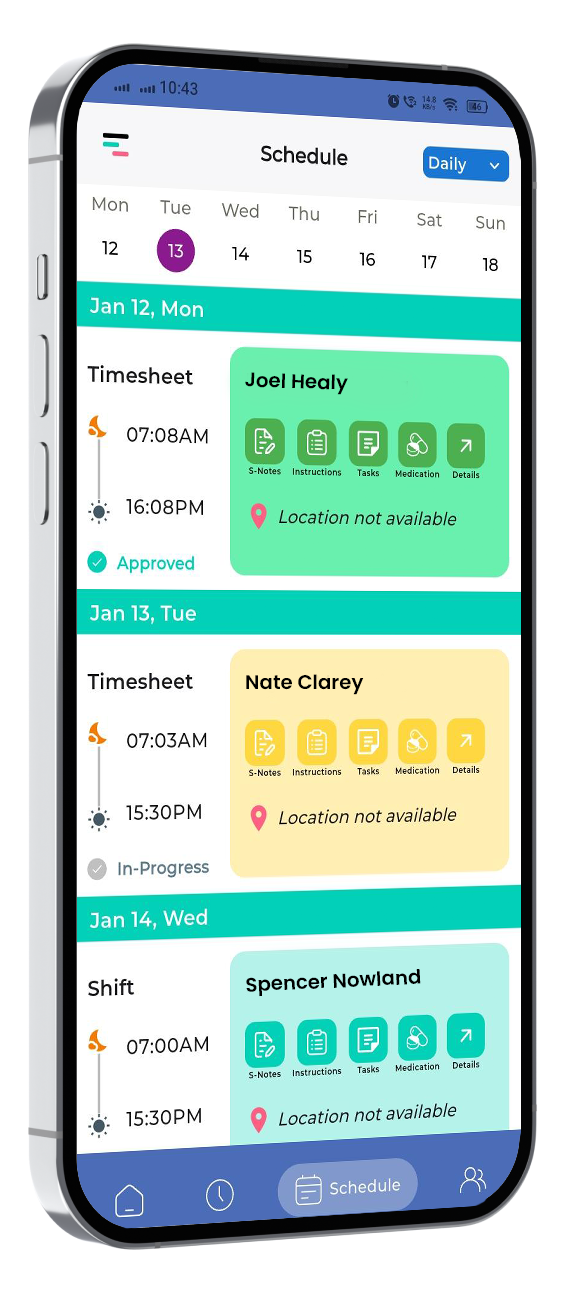
Worker screening tracking. Supportly links every worker profile to their screening checks, qualifications, and clearances. When any document approaches expiry, the system alerts the relevant manager and locks rostering for that worker if the document lapses, so an expired check can never slip through onto a shift.
Incident reporting built to the Commission's clock. When a support worker logs an incident in Supportly, the platform classifies it against the six reportable incident categories and starts the correct countdown 24 hours for priority incidents, 5 business days for the full follow-up report. Managers see a live timer, not a mental note.
Risk register that reviews itself. Supportly schedules risk register reviews automatically and logs each update with a full audit trail, so when an auditor asks, "when was this last reviewed," the answer is one click away.
Quality indicator evidence, generated as you work. Instead of assembling audit evidence manually, Supportly captures it continuously, every incident, every certification renewal, every risk review so your audit trail builds itself.
One dashboard for the whole organisation. Compliance managers get a single view across every participant, every worker, and every Practice Standard, with colour-coded status so gaps are visible before the Commission finds them.
Providers using Supportly report spending significantly less time each week compiling compliance evidence, because the evidence already exists in one place, correctly formatted and time stamped.
NDIS Compliance Checklist
Use this checklist to benchmark your current compliance posture against what an auditor will actually look for.
- Every worker's screening check is current and linked to their profile
- Qualification and clearance expiry dates trigger alerts at least 30 days out
- Incident classification follows the six reportable incident categories correctly
- Priority incidents are notified to the Commission within 24 hours
- Full incident reports are submitted within 5 business days
- The risk register is reviewed on a set schedule, not ad hoc
- All compliance documents are stored with version history and timestamps
- Quality indicator evidence is captured continuously, not compiled retrospectively
- Compliance status is visible to management in real time, not quarterly
- Your platform distinguishes restrictive practice timeframes (5 days, or 24 hours if harm occurred)
If more than two or three of these are "sometimes" rather than "yes," manual tracking is already costing you more than software would.
Stop Chasing Compliance, Start Automating It
Manual compliance tracking works until it doesn't, usually right around the point your organisation starts growing. Software doesn't replace good governance. It makes good governance possible at scale, without a full-time person dedicated to chasing expiry dates.
Supportly connects worker screening, incident reporting, risk management, and audit evidence into one live compliance dashboard, built around how the NDIS Commission actually assesses providers.
See Supportly's Compliance Dashboard — Book a Demo
Frequently Asked Questions
What compliance features does NDIS software actually need?
At minimum, it needs automated expiry tracking for worker screening and qualifications, incident workflows that apply correct Commission timeframes, a centralised risk register, and audit-ready document storage. Anything less leaves gaps an auditor will find.
How does audit automation work in practice?
Audit automation captures compliance evidence at the point it's created, when an incident is logged, when a certification is renewed, when a risk review happens rather than requiring someone to assemble it later. This means your audit trail is always current.
Does compliance software align with the NDIS Practice Standards specifically, or general business compliance?
Purpose-built platforms like Supportly map their workflows directly to Practice Standards, including worker screening, incident management, risk management, and quality management. Generic business compliance tools don't understand NDIS-specific timeframes like the 24-hour incident window.
What actually happens if compliance lapses?
Consequences scale with severity. Minor gaps typically bring a compliance notice and a request for a corrective action plan. Repeated or serious breaches such as missed reportable incident notifications can lead to audits, sanctions, or suspension of registration.
Can compliance software prevent breaches, or does it just track them?
Good software does both. Automated alerts and locked rostering for expired checks prevent many breaches before they occur. What it can't prevent, it captures immediately, so your response time stays within the Commission's required window.