.png)














.webp)
TL; DR:
Disconnected systems cost NDIS providers through double data entry, slow audit prep, and rejected claims, while modern NDIS software connects care management, rostering, SCHADS payroll, incident management, invoicing, and compliance in one system. Supportly links office and field teams to the same real-time data so nothing gets entered twice, and it's built for medium and large providers, multi-site organisations, and growing teams outgrowing spreadsheets
Most NDIS providers aren't struggling because their teams lack skill. They're struggling because their systems don't talk to each other.
Rostering lives in one tool. Compliance sits in a folder. Invoicing waits on a spreadsheet someone updates on Friday afternoons.
Each system works fine on its own. Together, they create gaps and those gaps cost providers time, money, and audit readiness.
This page covers what modern, connected NDIS software actually delivers in 2026, and what to look for before you commit to a platform.

What Is NDIS Software?
NDIS software is a purpose-built platform for managing NDIS provider operations. It combines participant management, rostering, compliance, invoicing, and HR into one connected system.
Instead of five disconnected tools, your team works from a single source of truth. Data entered once flows through every part of the business automatically.
Why Disconnected Systems Cost NDIS Providers More Than They Realise
Disconnected systems don't fail loudly. They fail quietly, in the gaps between tools and providers absorb the cost without ever seeing it on a single line item.
Double data entry. Support workers log a shift in one app. Admin staff re-enter it into payroll. Finance re-enters it again for invoicing. The same information gets typed three times.
Every re-entry point is also a re-entry error point. A missed digit in a shift time or a mismatched participant ID can throw off an entire pay run or invoice batch.
Audit preparation time. When compliance evidence lives across email threads, shared drives, and paper files, audit prep turns into a week-long scramble instead of a same day export.
Compliance leads end up building manual spreadsheets just to prove what the disconnected systems should have tracked automatically in the first place.
Staff time lost switching tools. Every time a coordinator logs into a separate rostering platform, then a separate incident system, then a separate invoicing tool, they lose momentum. Multiply that across a team and it adds up to hours each week.
For a coordinator managing 15 to 20 participants, this switching cost alone can eat up half a day every week, time that should go toward participant outcomes, not admin.
Compliance gaps between systems. The riskiest gaps aren't inside any single tool. They form in the handoff between systems, a missed incident report, an expired worker screening that nobody flagged, a service agreement that doesn't match what was actually delivered.
For a medium-sized provider running 40 to 60 support workers, these gaps translate into real dollars. Rework, overtime from manual processing, and rejected claims all draw from the same operating budget that should be funding participant care.
NDIS Software vs Generic Business Tools
Some providers try to make do with generic scheduling apps, spreadsheets, or accounting software built for retail or hospitality. It usually works for a while.
The problem shows up at scale. Generic tools don't understand SCHADS penalty rates, NDIS Pricing Arrangements, or NDIS Commission incident timeframes, because they weren't built for this sector.
That means someone on your team becomes the manual translation layer, checking pay rates by hand, cross-referencing price limits, and chasing incident deadlines in a separate calendar.
Purpose-built NDIS software removes that translation layer. The rules are already built into the system, so compliance happens as part of the workflow instead of as a separate manual check.
What Modern NDIS Software Must Include
Before comparing platforms, know what "connected" actually requires. Each of these solves a specific operational problem not just a feature on a spec sheet.
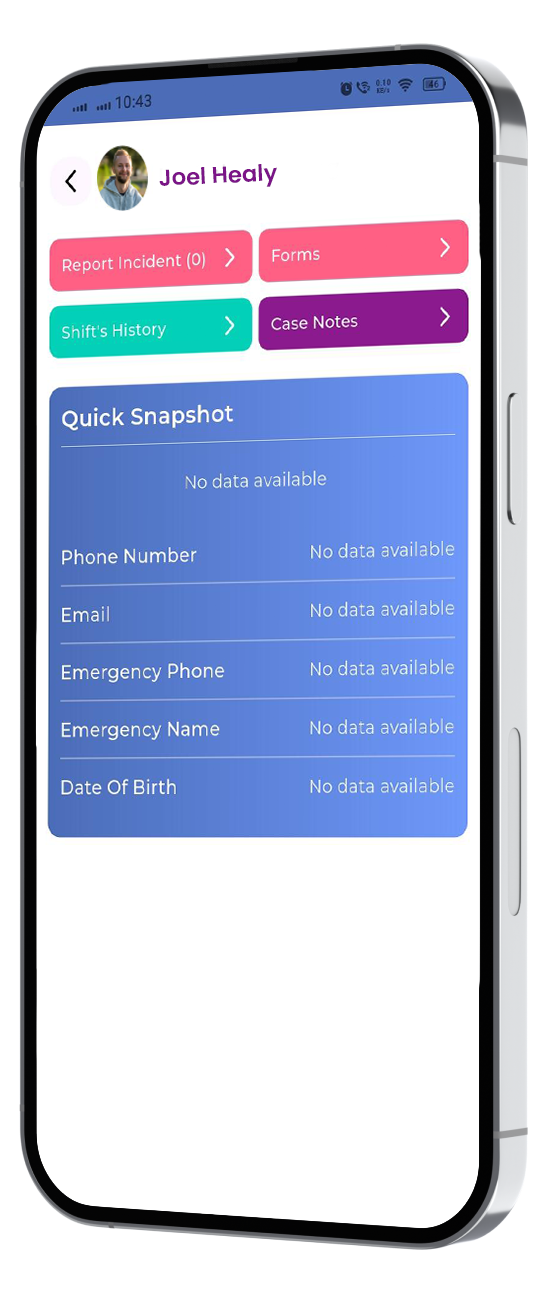
Care management. Participant records, care plans, and progress notes need to live in one place. Support workers should update notes from the field, not from memory at the end of a shift.
This matters most during handovers. When the next support worker can see the last note in real time, care stays consistent even as staff rotate.
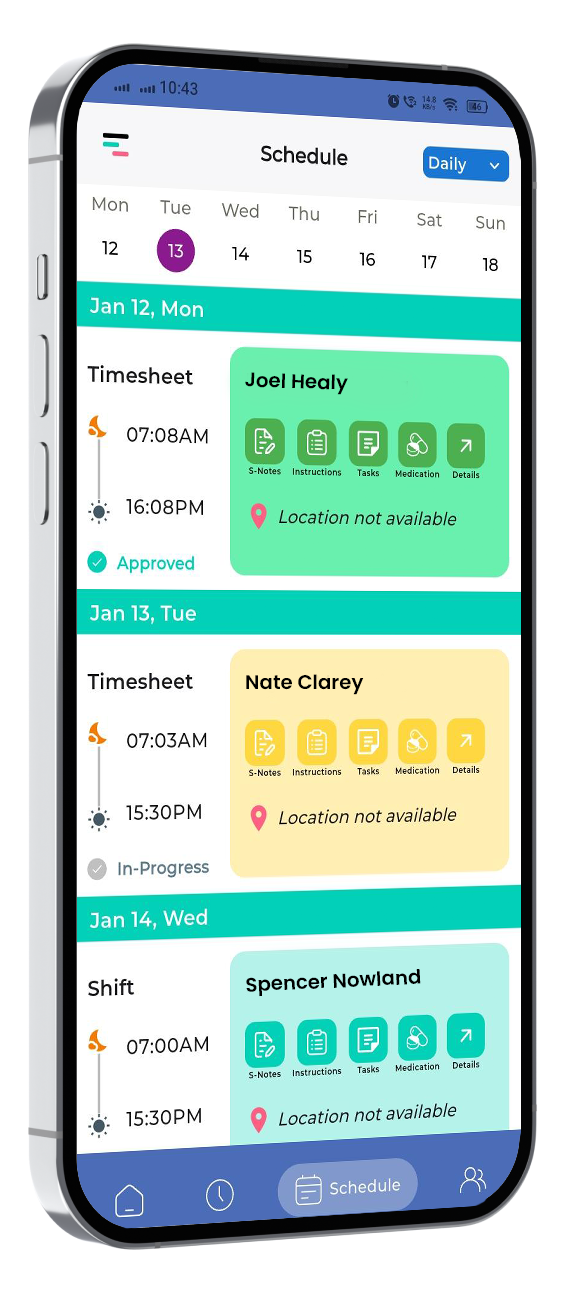
Rostering. Shifts need to match participant availability, worker qualifications, and travel time automatically. Manual rostering in spreadsheets can't scale past a handful of workers without errors creeping in.
Good rostering software also flags conflicts before they happen, a worker double-booked, or a qualification about to lapse before a scheduled shift.
SCHADS payroll. The Social, Community, Home Care and Disability Services Award has specific rules for penalty rates, allowances, and broken shifts. Software that doesn't interpret SCHADS correctly puts every pay run at risk.
Getting this wrong isn't a small error. Back-pay corrections and Fair Work disputes cost far more than the software would have in the first place.
Incident management. Incidents need to be logged, escalated, and reported within NDIS Commission timeframes. A system that can't track this automatically leaves compliance to memory and manual follow-up.
Invoicing. Claims need to match delivered services and current NDIS Pricing Arrangements. Invoicing built separately from service delivery creates the exact gap where over-claiming and rejected claims happen.
When invoicing pulls straight from documented shifts, claims go out faster and get rejected less often, because nothing gets typed twice.
Compliance dashboard. Worker screening expiries, mandatory training, and policy reviews need a single view. Providers shouldn't discover a lapsed check during an audit, they should see it flagged weeks earlier.
Look for these six capabilities working together, not six separate purchases stitched together after the fact.
How Supportly Connects Every Part of NDIS Operations
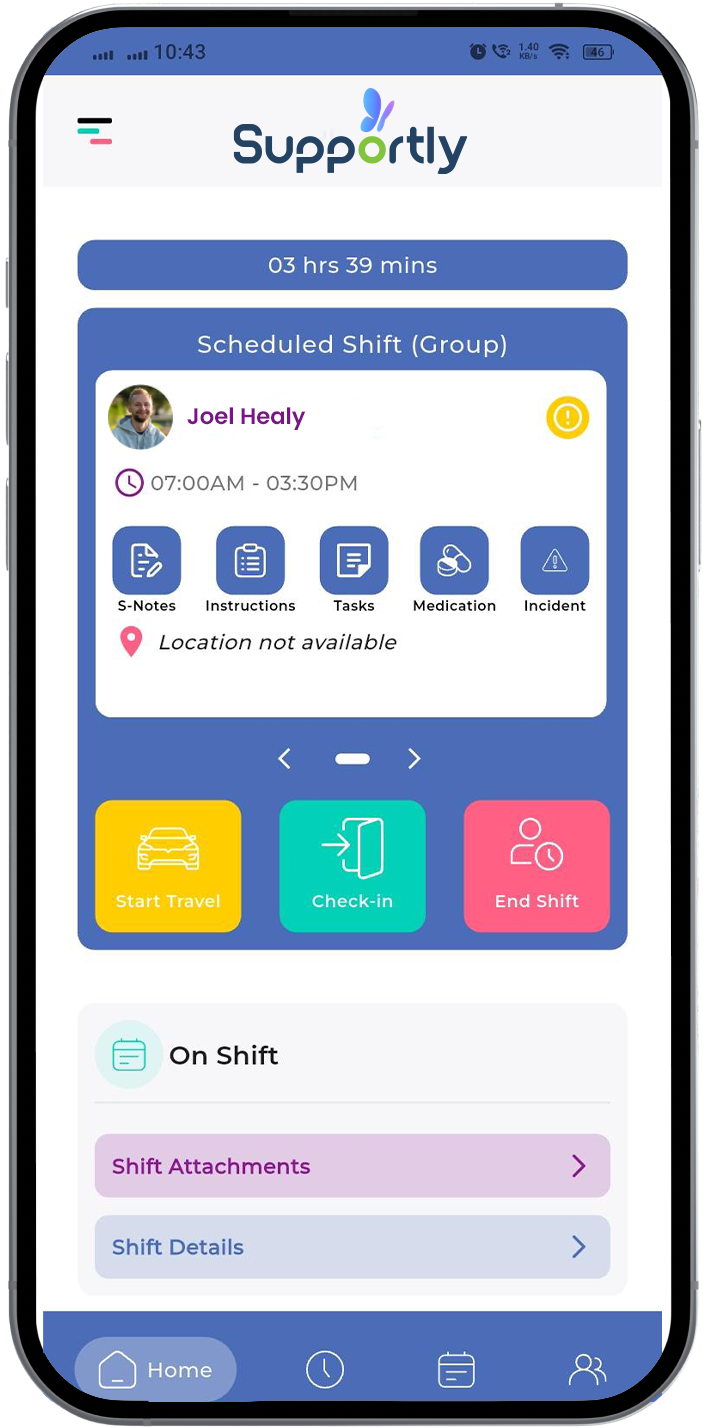
Supportly was built around one idea: office and field teams should work from the same real-time data, not from copies of it.
When a support worker completes a shift and logs a progress note, that information updates the participant's record, the roster, and the invoice queue at the same time. Nobody re-enters anything.
Rostering in Supportly checks worker qualifications and SCHADS rules automatically before a shift is confirmed. This stops non-compliant shifts before they happen, rather than catching them in a pay run review.
Compliance sits at the centre of the platform, not bolted on afterwards. Worker screening, training records, and incident reports feed a live dashboard your compliance lead can check in minutes, not days.
Invoicing pulls directly from delivered and documented services. Claims match the current NDIS Price Guide automatically, which means fewer rejections and faster payment cycles.
For providers running multiple sites, this connection matters even more. A coordinator in one location sees the same live data as head office, without waiting for a weekly report.
Providers who move to Supportly typically report fewer hours spent on manual reconciliation within the first pay cycle, simply because the data only needs to be entered once.
Who Supportly Is Built For
Supportly is built for medium and large NDIS providers where disconnected systems cost the most.
Multi-site organisations need one platform that gives every location the same real-time view of rostering, compliance, and billing without relying on manual reporting between sites.
Growing teams scaling past 40 or 50 support workers hit a wall with spreadsheets and generic scheduling tools. Supportly replaces that patchwork before it becomes a compliance risk.
Operations and compliance leads who currently spend hours each week reconciling data between systems get that time back, along with a clearer audit trail.
If your organisation still runs rostering in one tool and compliance in another, the cost of that gap grows every month you wait.
What to Look For When Comparing Platforms
Not all NDIS software claims to do the same thing, and not all of it delivers. A few questions cut through vendor marketing quickly.
Ask whether SCHADS interpretation is built into the payroll engine, or whether it's a manual add-on your team still has to check by hand.
Ask how invoicing connects to service delivery. If claims are generated from a separate finance module rather than actual logged shifts, expect the same reconciliation problems you already have.
Ask to see the compliance dashboard live, not in a slide deck. A real dashboard should show worker screening status, training records, and incident timeframes at a glance.
Ask about implementation support. A platform that takes six months to configure properly will cost you more in lost productivity than the subscription itself.
Providers who ask these questions upfront avoid the most common mistake in NDIS software selection: buying a tool that solves one problem while creating three new ones.

Signs You're Ready to Switch
Not every provider needs to move platforms today. But a few warning signs usually mean the cost of staying disconnected has passed the cost of switching.
You're manually cross-checking rosters against SCHADS pay rates. If someone on your team keeps a personal spreadsheet to double-check payroll, your system isn't doing its job.
Your compliance lead finds out about expired checks during an audit, not before one. Reactive compliance is a symptom of systems that don't share data automatically.
Invoices get rejected because line items don't match the current NDIS Price Guide. This is one of the clearest signs that billing and service delivery aren't actually connected.
Onboarding a new site or team means rebuilding processes from scratch. Growing providers need systems that scale without duplicating admin work at every new location.
If two or more of these sound familiar, the gaps in your current setup are probably costing more than a new platform would.
See what connected operations looks like for your organisation. See Supportly in Action, Book a Free Demo, or View Pricing.
Frequently Asked Questions
What does NDIS software cost?
Pricing typically depends on the number of support workers and the features included, such as payroll interpretation and compliance tracking. Most providers pay a per-user monthly fee, with volume discounts available for larger teams.
How long does setup take?
A standard implementation for a medium-sized provider typically takes two to four weeks. This includes data migration, SCHADS configuration, and team training, depending on how much historical data needs to move across.
Does NDIS software handle compliance?
Purpose-built NDIS software should track worker screening expiries, incident reporting timeframes, and mandatory training in one dashboard. Generic project management or scheduling tools generally can't do this out of the box.
How is NDIS software different from generic tools?
Generic scheduling or invoicing tools aren't built around NDIS Pricing Arrangements, SCHADS interpretation, or NDIS Commission reporting requirements. Purpose-built NDIS software applies these rules automatically, which generic tools simply don't account for.
Can NDIS software integrate with existing accounting systems?
Most established NDIS platforms integrate with accounting tools such as Xero or MYOB. This keeps invoicing, payroll, and general ledger data in sync without manual exports and imports.
Is NDIS software suitable for multi-site providers?
Yes, provided the platform gives every site access to the same real-time data. Multi-site providers benefit most from connected systems, since manual reporting between locations is where the biggest compliance gaps appear.