.png)
















TL;DR
Rolling out new NDIS software is only half the job. Getting your team properly trained on it is what actually determines whether the investment pays off. This guide walks through pre-implementation planning, role-based training for admins, support workers, and managers, a step-by-step onboarding process, common adoption challenges, and how to measure whether training actually worked. It also covers what's included in Supportly's $199 onboarding package.
Why Structured Training Matters More Than the Software Itself
Buying the right NDIS software is one decision. Getting your team to actually use it well is a different challenge entirely. Structured training gives staff the confidence to use new workflows correctly from day one, rather than muddling through and developing bad habits that are harder to unlearn later.
Without proper training, staff tend to fall back on workarounds, spreadsheets on the side, half-completed records, manual processes duplicating what the software already does. That defeats the purpose of switching systems in the first place, and it creates compliance risk if documentation ends up incomplete or inconsistent.
Structured onboarding also protects your investment. Software you've paid for but your team doesn't fully use is money left on the table.

Implementation Planning: Set Up Before You Switch On
Before training starts, do the groundwork. This stage determines how smoothly everything after it goes.
Assess current workflows. Document how your team currently handles rostering, participant records, and compliance documentation. Map each role to the software functions they'll actually use. This tells you what to prioritise in training and what can wait.
Check your data readiness. Review participant records, staff files, and compliance documents before migration. Clean, duplicate-free data migrates faster and causes fewer errors once you're live.
Survey your team's comfort with technology. Some staff will pick up new systems quickly. Others will need more support. Knowing this in advance lets you plan extra time or one-on-one sessions where they're needed, instead of discovering the gap mid-rollout.
Build a realistic timeline. A 90-day rollout is a reasonable target for most providers: weeks 1–2 for data preparation and setup, weeks 3–4 for administrator training, weeks 5–8 for full staff training, and weeks 9–12 for go-live support and monitoring. Build in buffer time. Most implementations run 20–30% longer than the original plan, and that's normal, not a failure.
Assign a project owner. One person should coordinate the rollout, liaising with your software provider, IT, and internal teams. Without clear ownership, training tends to slip.
Role-Based Training: One Size Doesn't Fit All
Different roles need different depth of training. Training everyone the same way wastes time for some and leaves others under-prepared.
Administrators need the deepest training: user management, data security settings, compliance reporting, and system configuration. Plan for 8–12 hours across multiple sessions, covering how to generate compliance reports and manage participant data at a system level.
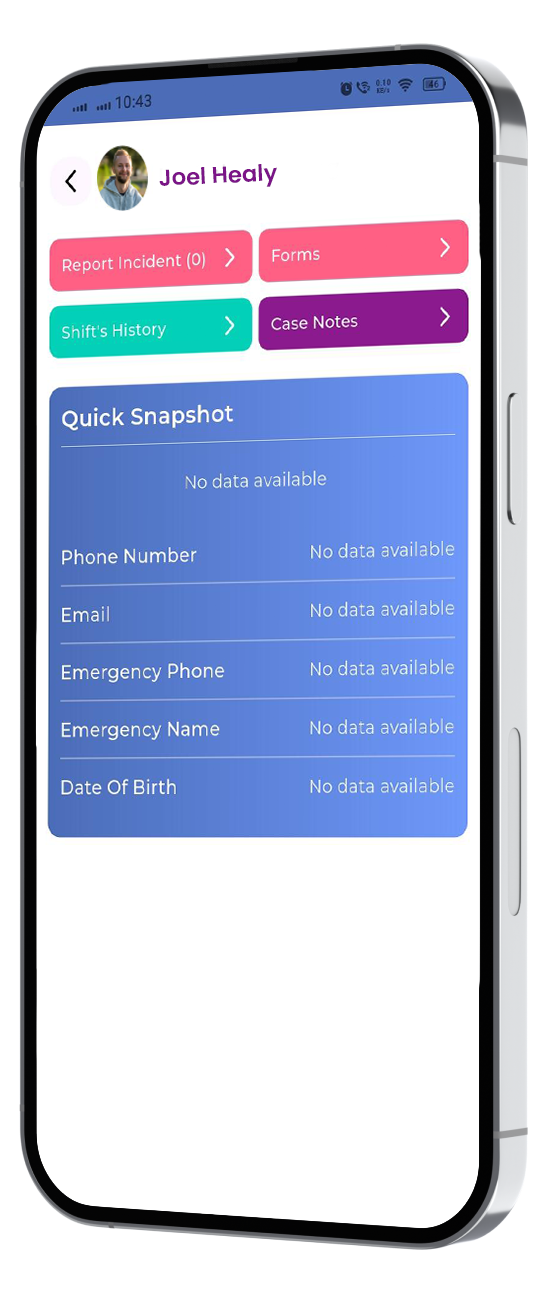
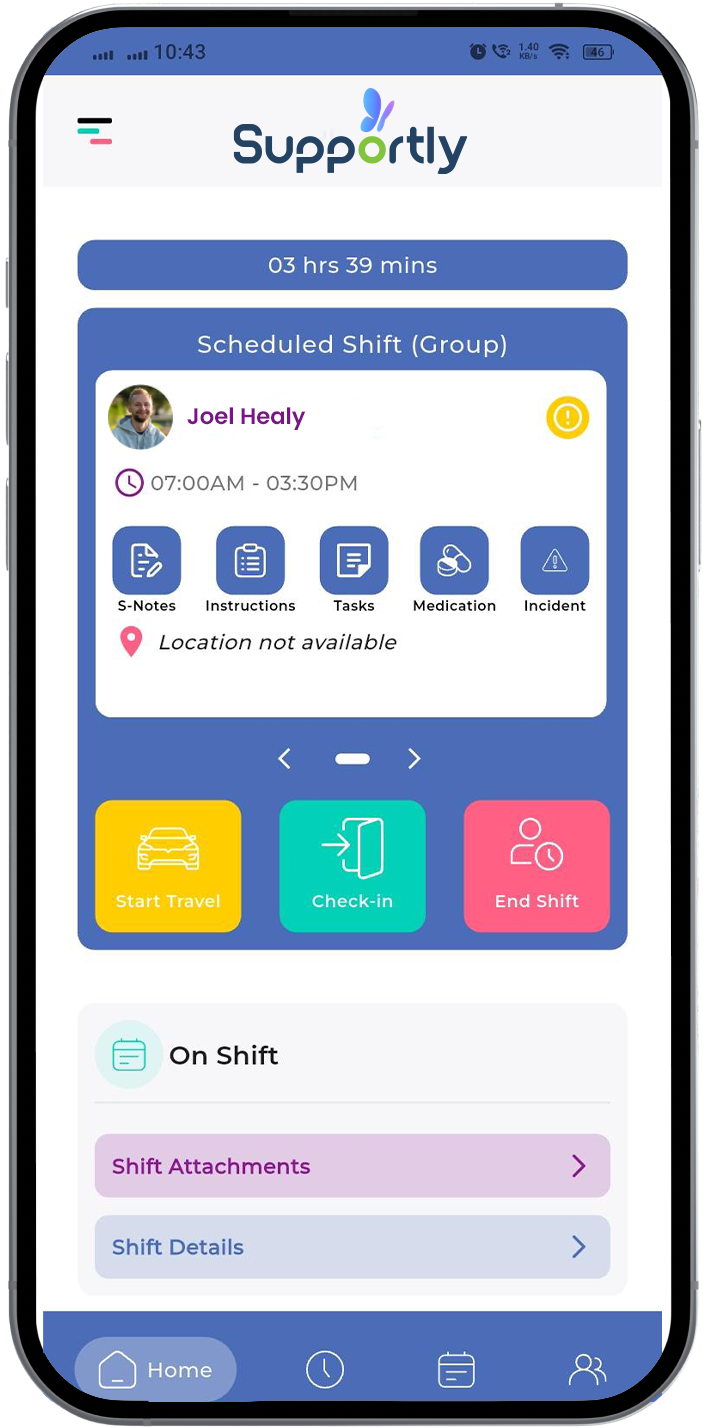
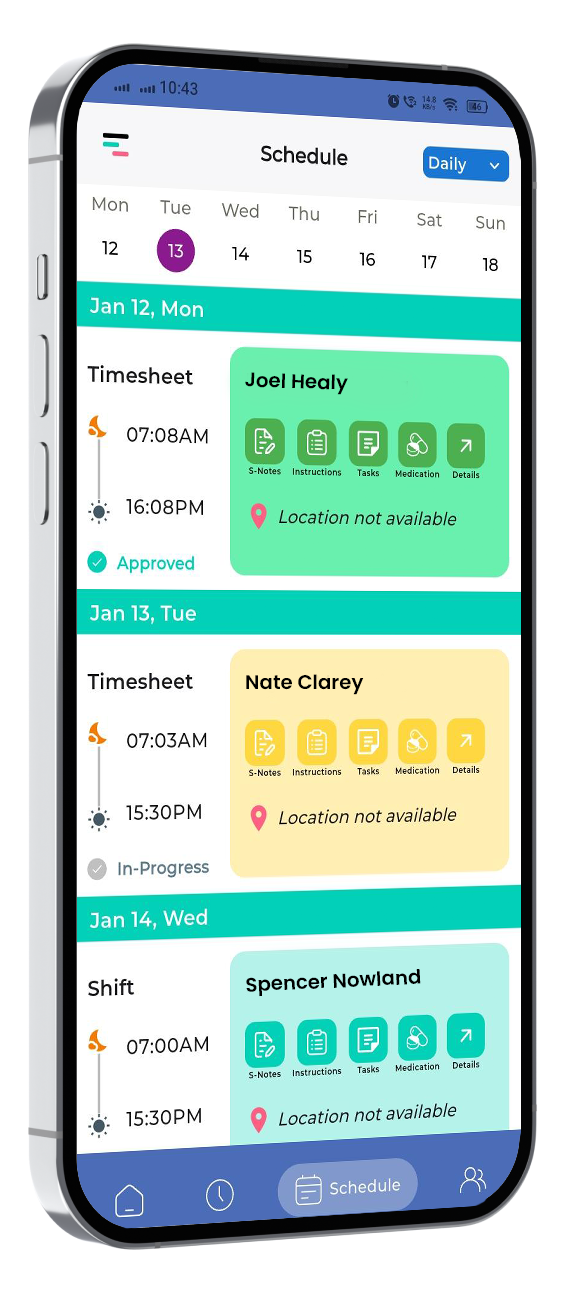
Support workers need practical, task-focused training: updating participant records, completing shift and progress notes, and managing their schedule, particularly through the mobile app support workers use in the field. Shorter 2-hour sessions built around real scenarios (an emergency contact update, an incident report, a schedule change) tend to land better than long theory-heavy sessions.
Managers and coordinators need training focused on oversight: monitoring workflow efficiency, verifying compliance, and using dashboard and reporting tools to track what's happening across their team in real time. Plan for 6–8 hours covering the decision-making and reporting features they'll rely on day to day.
Onboarding Step by Step
Data migration. Standardise and clean your data before transfer, removing duplicates and formatting errors. Test the migration with a small sample first before moving your full records across. Plan for a short window of reduced system access while migration completes.
User setup and permissions. Set up accounts based on the roles you mapped during planning. Use permission templates so access levels stay consistent across similar roles. Test each account before handing out login details, and require a password change on first login.
Workflow configuration. Configure the system to match how your team actually works, not the other way around. Set up notifications and alerts based on real operational needs, and test configurations with sample data before going live. Write down standard procedures for the workflows your team will use most, so there's something to reference during the first few weeks.
Common Training Challenges (and What Actually Helps)
Resistance to change. Usually comes from fear of extra workload or unfamiliar technology, not stubbornness. Involve hesitant staff in planning and feedback early, so they have some ownership over the change rather than having it done to them. Offer extra one-on-one time for anyone who needs it.
Not enough time. Most providers underestimate how long proper training takes. Short 15–20 minute sessions staff can fit between shifts tend to work better than trying to block out long training days that get cancelled when rosters get busy.
Technical hiccups. Confirm reliable internet and compatible devices before training sessions start, and have support on hand during the session itself. Have a backup plan (offline materials, a rescheduled slot) ready in case something goes wrong.
Supportly's Onboarding Package
Every Supportly plan includes a guided onboarding session for $199, covering system configuration, workflow setup, and hands-on training across your team's roles. Data migration for staff and participant records is $3 per file.
Onboarding is built around your organisation's actual workflows rather than a generic script, so your team learns the parts of the system they'll use most, not a full feature tour they'll forget by the following week.
Measuring Whether Training Actually Worked
Set your success metrics before you start, not after.
Adoption metrics. Track how often staff log in and which features they're actually using. Within two weeks of go-live, most relevant staff should be accessing the system daily for routine tasks. A high volume of basic support questions after that point usually signals a training gap, not a software problem.
Competency checks. Run practical, scenario-based assessments 2–4 weeks after initial training, things like handling a routine participant update or an incident report. Repeat this quarterly to catch skill drop-off before it becomes a compliance issue.
Operational impact. Compare service delivery metrics and participant outcomes before and after the switch. Weigh training costs against the time saved and errors avoided to get a realistic sense of return on investment. Ask staff directly, and regularly, how confident they feel using the system.

A Few Extra Tips
Find the staff members who take to the new system quickly and lean on them. Peer champions who can answer quick questions save your admin team from becoming a bottleneck. Encourage your team to try things out in the system rather than sticking rigidly to a script, and build in a regular team check-in to share what's working and what isn't. As your organisation grows, revisit training, new hires and new features both mean new onboarding needs.
Ready to Plan Your Rollout?
A structured onboarding plan is the difference between software that sits half-used and a team that's genuinely faster and more confident within weeks.
Book Your Free Supportly Demo →
Or see what's included in every plan on the pricing page.
Frequently Asked Questions
How much does Supportly's onboarding package cost?
Every Supportly plan includes a guided onboarding session for $199, covering setup, configuration, and role-based training for your team.
How long does NDIS software onboarding usually take?
Most providers complete a full rollout, from data migration to team-wide competency, within 60 to 90 days, depending on team size and how much data needs to be migrated.
Do support workers need the same training as administrators?
No. Support workers generally need shorter, task-focused training on daily functions like shift notes and scheduling, while administrators need deeper training on configuration, reporting, and compliance settings.
What happens to our existing participant and staff data during migration?
Data is cleaned and standardised before transfer, tested with a small sample first, then migrated in full. Supportly charges $3 per file for staff and participant record migration.
How do we know if training actually worked?
Track login frequency and feature use in the first two weeks, run scenario-based competency checks after 2 to 4 weeks, and compare service delivery metrics before and after the switch.