Advanced Rostering for Group Shifts & SIL Homes | Supportly
Advanced Rostering
One Shift. Every Worker. One Screen.
Advanced Rostering is built for providers running group programs, shared homes, and shared-care arrangements — where one shift means several workers, several participants, and none of them the same.
Group shifts don't fit into a one-worker, one-participant box.
Four participants in one shift. One has travel funding, three don't. Two are on a 1:3 ratio, one is 1:5, one is one-to-one. Most rostering software makes you build that as separate shifts, side notes, and a spreadsheet to keep it all straight — ten minutes a shift, every shift, every week.
It isn't that your rostering is too complex. It's that most platforms were built for the simpler case.
The solution
Everything About a Group Shift, on One Screen
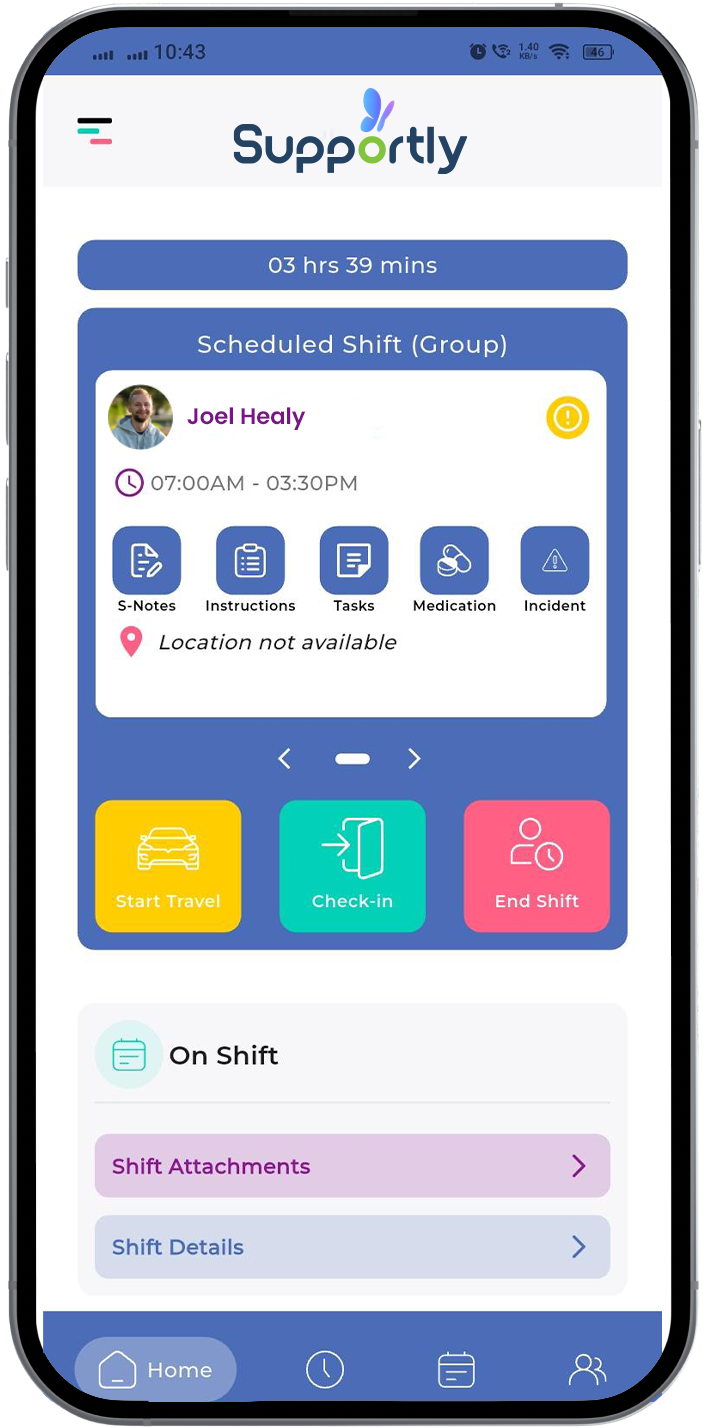
Add every worker and every participant to a single shift, then set what's different about each one without leaving it.
01
Many Workers, Many Participants
Schedule several workers and several participants into a single shift — the way group programs, shared homes and shared-care arrangements actually run.
02
Each Participant, Their Own Settings
Set start and finish times, service type, claim type and travel charge per participant, inside the shift. Billing follows what you set.
03
Save as You Go
Half-finished at 4:45pm? Save the shift as a draft and come back to exactly where you left off.
Who this is built for
If Any of This Sounds Like Your Week, This Is Worth a Look
Your role
Rostering Coordinator or Scheduling Officer
Operations Manager at a multi-site provider
Service Delivery Lead running SIL or group programs
Director at a provider with 50–300 participants
Your provider profile
Runs group activities, day programs or community participation with several participants per worker
Operates SIL or shared homes
Bills across mixed funding ratios — 1:1, 1:3, 1:5
Currently builds these shifts one at a time, or outside the system entirely
Book a demo
Bring Us Your Hardest Shift
Thirty minutes, no obligation. Tell us how your rosters actually work and we'll build your hardest shift with you, live, in Supportly.
What happens after I submit this?
Providers with 50+ participants are routed straight to a specialist. Smaller providers get the standard demo booking flow — nobody hits a dead end.
Book Your Demo
Takes about a minute.
Thanks — we'll be in touch.
Keep an eye on your inbox for a link to book a time that works for you.
Common questions
Before You Book
Does this track actual start and finish times on the day?
You set each participant's scheduled times inside the shift. Actual hours worked are managed in the timesheet, not the roster.
Can I set different funding ratios for different participants in the same shift?
Yes — 1:1, 1:3 and 1:5 (or any mix) can be set per participant, inside the one shift, along with their own service type and travel charge.
What if I get interrupted while building a shift?
Save it as a draft. It'll be exactly where you left it when you come back.
Is there a dedicated home-based roster view?
Home scheduling is supported. A dedicated home rostering view isn't part of this release — happy to talk through the current workflow in a demo.
Bring Us Your Hardest Shift
We'll build it with you, live, in a 30-minute demo.
.png)