.png)

















TL;DR:
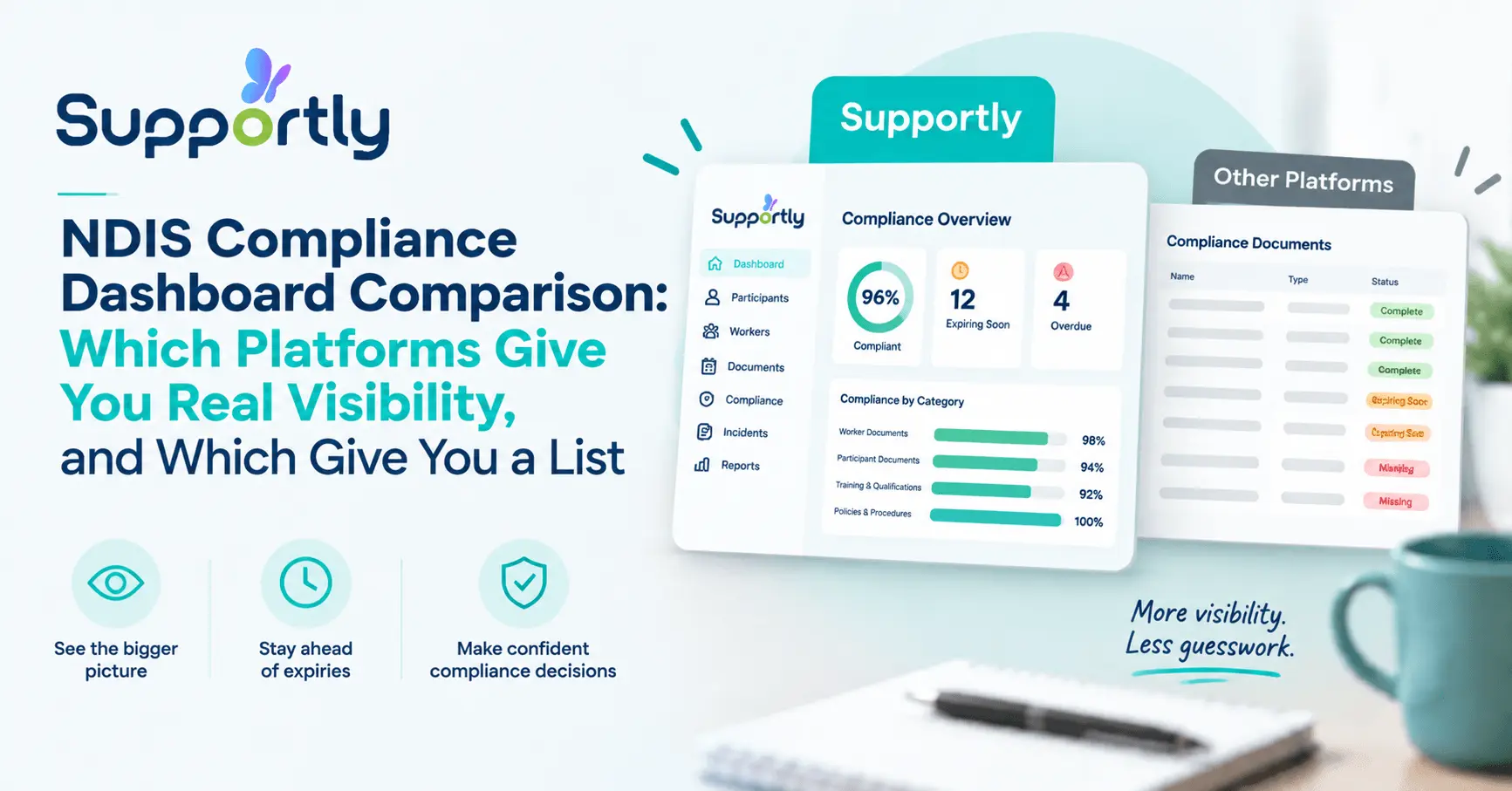
Most NDIS platforms call a feature a "compliance dashboard," but many are just document lists or static reports needing manual refreshes. A genuine dashboard updates live across worker document expiry, participant status, open incidents, registration milestones, and service agreement currency. Of the six platforms compared, only Supportly runs a fully live operational view; the rest fall into report-dashboard or document-library territory.
The difference shows up hardest during audits. Providers on a real-time dashboard pull evidence in hours, while providers on a static list often spend around 40 hours reconciling spreadsheets manually. The quickest test in any demo: ask the vendor to change a record live and see if the dashboard updates instantly. If it doesn't, it's not a real compliance dashboard.
Someone told you your platform has a compliance dashboard. You clicked into it expecting a live operational view.
What you found was a list of document names. Maybe a static report you have to manually refresh. Maybe a checklist someone built once and never touched again.
That's not a compliance dashboard. That's a filing cabinet with a nicer font.
A genuine compliance dashboard shows you what's happening right now, not what was true when someone last generated a PDF. If your current platform can't tell you, in real time, which support workers have expired police checks or which participant plans are about to lapse, you don't have a dashboard. You have a document library wearing a dashboard's name.
This comparison looks specifically at compliance dashboard depth across the NDIS software platforms Australian providers evaluate most often. Not general features. Not pricing. Just one question: does the compliance view actually update as your operation moves, or does it sit still until someone remembers to touch it?
What a Genuine NDIS Compliance Dashboard Must Show
A real NDIS compliance dashboard gives real-time visibility across worker compliance document status, participant record currency, outstanding incident reports, budget threshold alerts, registration milestone tracking, and service agreement expiry. Every figure updates automatically as data changes in the operational modules underneath it, not on a manual refresh cycle.

The Three Compliance Dashboard Types in the NDIS Software Market
Every platform selling NDIS software claims a compliance dashboard. In practice, there are three distinct types, and only one of them functions as an actual dashboard.
Type one: the live operational compliance view. This dashboard pulls data directly from your active modules. Rostering, incident management, worker records, and participant plans all feed it continuously. Change a status anywhere in the system and the dashboard reflects it immediately.
Type two: the pre-generated report dashboard. This looks like a dashboard on the surface. Underneath, it's a report that ran at some point in the past. Someone has to trigger a manual refresh to bring it current, which means the numbers you're looking at are already stale.
Type three: the document library with compliance labels. This is the most common disappointment. You get a folder structure, some document names, maybe a colour-coded status column. There's no live calculation happening. It's storage, not monitoring.
Knowing which type you're evaluating matters more than any feature list a vendor hands you.
Platform Comparison: Compliance Dashboard Depth
Here's how six platforms Australian providers commonly shortlist actually perform on compliance dashboard depth, based on what each shows and how it updates.
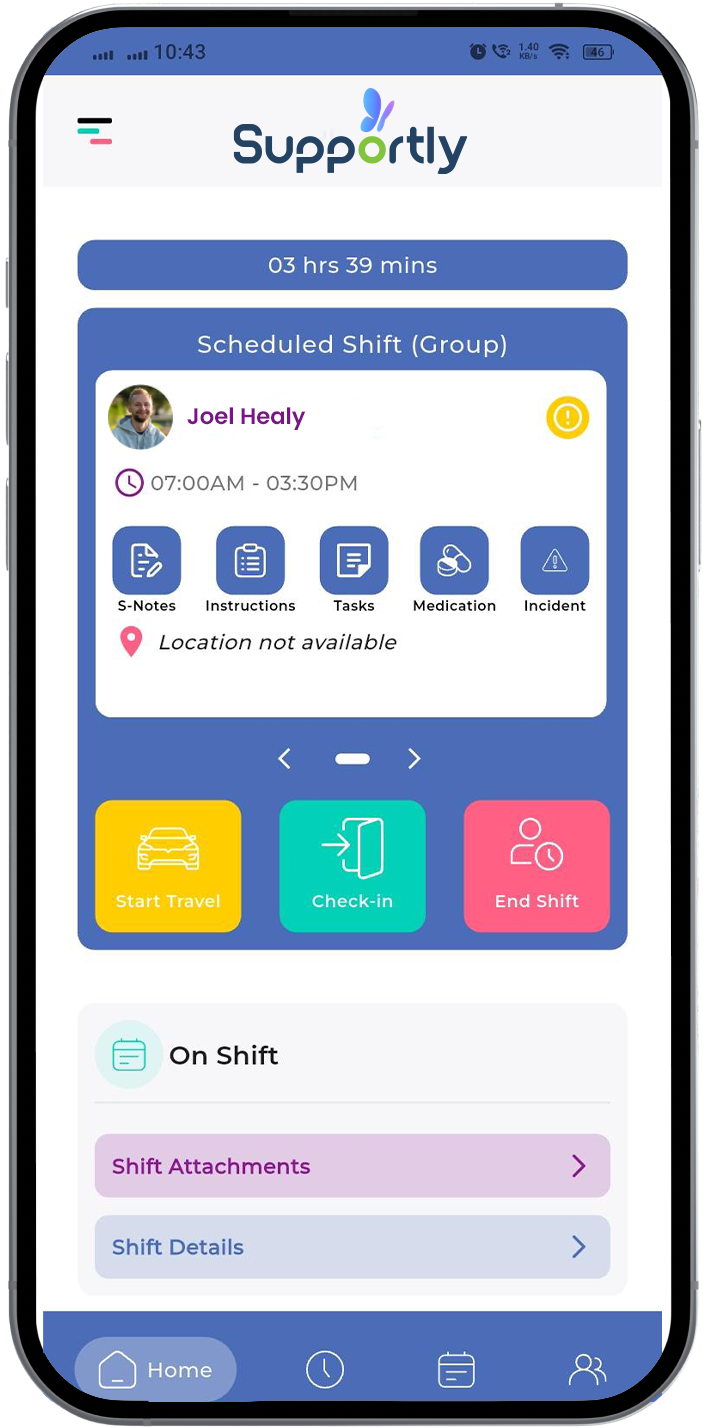
Supportly runs a live operational compliance view. Worker document expiry, participant record status, open incidents, registration milestones, and service agreement currency all update automatically as staff work in the platform. Nothing requires a manual pull.
FlowLogic offers a compliance summary screen that leans toward the report-dashboard model. Some elements update in near real time; others rely on scheduled syncs, so the picture you see can lag behind actual operational status by hours.
ShiftCare centres its compliance features around rostering and shift documentation. Its dashboard view is useful for shift-level compliance but doesn't extend into a full organisational audit-ready picture across incidents and registration milestones.
Lumary provides compliance tracking within a broader case management structure. The dashboard is comprehensive but complex to configure, and smaller teams often report it takes significant setup before the compliance view reflects genuine real-time status.
CareMaster includes compliance reporting, though multiple provider reviews describe it as closer to a document repository with status tags than a live monitoring tool. Refreshing the view for an audit typically means manual cross-checking.
SupportAbility offers solid case notes and participant management, with compliance visibility built more as a reporting function than a continuously updating dashboard. It suits smaller teams but struggles at scale during audit preparation.
The pattern is consistent. Platforms built around case management first tend to bolt compliance visibility on afterward. Platforms built with compliance as a core operational layer, like Supportly, show it live because the underlying data model was designed for it from day one.
Supportly's Audit-Ready Compliance Dashboard, What It Shows in Real Time
Supportly's compliance dashboard was built for quality managers who need answers during an audit, not after one. Every element updates automatically as your team works.
Participant compliance status shows plan currency, consent documentation, and service agreement status across your entire participant base, updating the moment a record changes.
Worker document expiry tracks police checks, NDIS worker screening, qualifications, and mandatory training in one view. You see who's compliant, who's approaching expiry, and who's already lapsed.
Open incident status surfaces every incident still awaiting resolution or Commission reporting, so nothing sits unresolved without visibility at the operations level.
Registration milestone alerts flag upcoming audit dates, renewal deadlines, and certification requirements before they become urgent.
Service agreement currency confirms which agreements are active, which are expiring, and which need renewal action, without anyone manually cross-referencing spreadsheets.
Beyond the live dashboard, Supportly includes custom and pre-defined reporting that pulls specific audit evidence in minutes. If an auditor asks for worker screening records across a service period, you generate that report on demand instead of assembling it by hand.
From 40 Hours to Minutes: The Audit Preparation Case
Audit preparation is where compliance dashboard depth stops being theoretical and starts costing real time.
Providers running a document library disguised as a dashboard typically spend somewhere close to 40 hours preparing for an NDIS Commission audit. That time goes into manually checking worker files, chasing expired documents, and reconciling incident records across disconnected spreadsheets.
Providers running a genuine live compliance dashboard, like Supportly's, can pull the same evidence in hours rather than days. The data is already current because it updates continuously, not because someone refreshed it before the auditor arrived.
That gap compounds. Quality managers using a live dashboard spend their time on genuine compliance improvement. Quality managers using a static list spend their time on data reconciliation, which is administrative work masquerading as compliance work.
When you're comparing platforms, ask a direct question during the demo: "Change a worker's document status right now and show me the dashboard update." If the answer involves a refresh button, a sync delay, or a support ticket, you're looking at type two or type three. Move on.

The Bottom Line
Most NDIS platforms have a feature labelled compliance dashboard. Few of them actually monitor your organisation in real time.
Before you sign with any provider, ask them to prove it live. Change a status. Watch the dashboard. If it doesn't move immediately, you're buying a document list with better branding.
Supportly's compliance dashboard updates continuously across participants, workers, incidents, and registrations, so your audit evidence is ready before the auditor asks for it.
See Supportly's Compliance Dashboard in Action — Book a Demo
Frequently Asked Questions
What should a compliance dashboard actually show?
A genuine compliance dashboard shows live status across worker document expiry, participant record currency, open incidents, registration milestones, and service agreement dates. It should reflect your current operational reality, not a snapshot from an earlier date.
How often does compliance data update in real time?
On a properly built platform, compliance data updates the moment underlying information changes, whether that's a worker uploading a renewed certificate or an incident being marked resolved. There's no separate refresh step required.
Does a compliance dashboard replace an internal audit schedule?
No. A compliance dashboard gives you continuous visibility, but your organisation still needs a structured internal audit schedule to review processes, spot check records, and confirm the dashboard data itself is accurate.
What should I ask vendors in a demo to verify compliance dashboard depth?
Ask them to change a record live during the demo and show you the dashboard reflecting it immediately. Ask whether any figures rely on scheduled reports or manual refreshes. Ask how quickly the system can produce audit evidence for a specific worker or participant on request.
How is a compliance dashboard different from a compliance report?
A compliance report is a snapshot generated at a fixed point in time, which starts going stale the moment it's created. A compliance dashboard is continuously live, reflecting your current operational status without anyone needing to run or regenerate anything.