.png)



















TL;DR
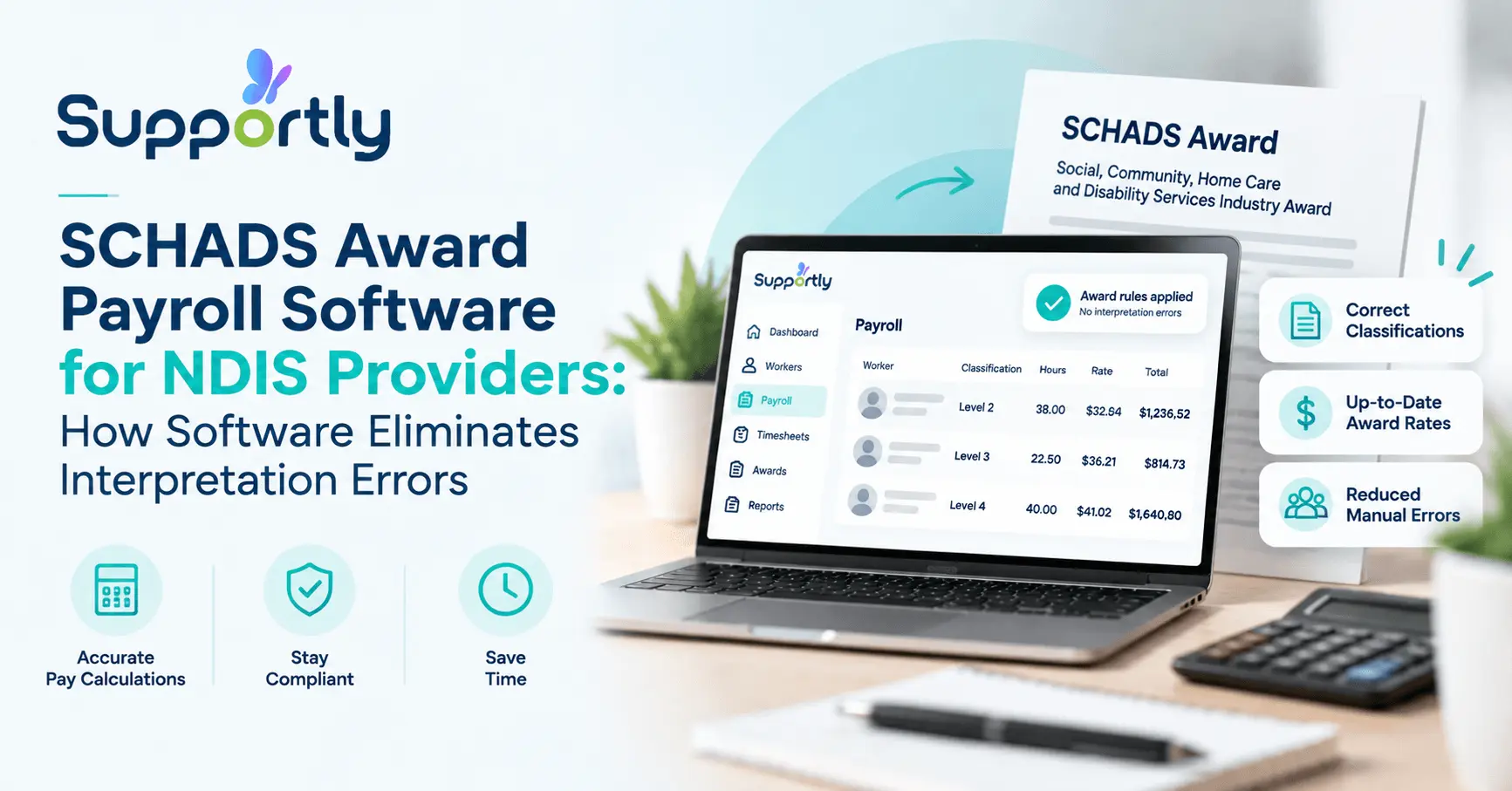
The SCHADS Award is one of Australia's most complex modern awards, and manual interpretation across NDIS rosters creates real underpayment risk. Common errors include miscalculated broken shift allowances, missed overtime triggers, and inconsistent penalty rates. Generic payroll tools like Xero and MYOB don't interpret SCHADS automatically, so providers must configure every rule themselves. Supportly's payroll engine reads shift data straight from rostering and applies correct SCHADS entitlements automatically, cutting interpretation errors and giving providers a documented audit trail for every pay decision.
The Social, Community, Home Care and Disability Services Industry Award is one of the most complex awards in Australia. It covers thousands of pay point combinations across levels, streams, and employment types.
For NDIS providers running rosters with dozens or hundreds of support workers, manual SCHADS interpretation creates real underpayment liability. One missed penalty rate on one shift can multiply into a six-figure back-payment claim once it's applied across a full roster history.
Fair Work audits, class actions, and reputational damage all start the same way: a payroll spreadsheet that got a rule wrong and nobody caught it. SCHADS award payroll software closes that gap by automating the interpretation itself.
What Is the SCHADS Award and Why It Matters for NDIS Providers
The SCHADS Award is the modern award governing most NDIS support worker employment in Australia. It sets minimum pay grades, penalty rates for weekends and public holidays, overtime triggers, and broken shift allowances. Providers must apply these rules correctly for every shift, every worker, every pay run, regardless of roster complexity.

The Most Common SCHADS Interpretation Errors
Even experienced payroll teams get SCHADS wrong. The rules were written for a sector with genuinely difficult shift patterns, and the margin for error is thin.
Broken shift allowances calculated incorrectly. A broken shift, one with an unpaid break of more than an hour between engagements, triggers a specific allowance. Many providers miss it entirely or apply the wrong amount.
Overtime triggers missed on split rosters. Workers picking up extra hours across multiple clients in a day can cross daily or weekly overtime thresholds without anyone noticing, since no single shift looks like overtime on its own.
Weekend and public holiday penalty rates applied inconsistently. Saturday, Sunday, and public holiday loadings differ by stream and classification. Manual spreadsheets often apply a flat penalty rate that's wrong for the worker's actual level.
Minimum engagement periods ignored. SCHADS sets minimum shift lengths for casual and part-time workers. Rostering a worker for less than the minimum without paying it out is a common, quiet underpayment.
Sleepover and on-call allowances miscalculated. These allowances interact with base rates in ways that trip up generic payroll rules, particularly for home care and accommodation-based support work.
Annual wage increases not applied on time. SCHADS rates rise every year following the Fair Work Commission's Annual Wage Review, and the effective date is the first full pay period on or after 1 July, not 1 July itself. Providers who apply the increase from the wrong date underpay for weeks before anyone notices.
Each error looks small in isolation. Multiplied across a full workforce and a full financial year, they add up to serious back-pay exposure.
Why Generic Payroll Software Fails NDIS Employers
Xero, MYOB, and most mainstream payroll platforms are built for general Australian employment law. They handle standard hours, standard leave, and standard tax correctly.
None of them understand SCHADS out of the box. Providers using generic software still have to manually configure every pay rule, every allowance, and every penalty rate themselves, and manually update every one of them each time the award changes.
That manual configuration is exactly where interpretation errors creep in. A payroll officer without deep SCHADS expertise is effectively asked to become an industrial relations specialist on top of their day job.
Generic software also can't connect roster data to award interpretation. It sees a shift as a block of hours, not as a broken shift, a sleepover, or a public holiday engagement with specific entitlements attached.
The result is a payroll process that looks compliant on the surface but carries hidden risk underneath. Providers often only discover the gap during a Fair Work audit or an employee dispute long after the underpayment has occurred.
How Supportly's SCHADS Payroll Interpretation Works
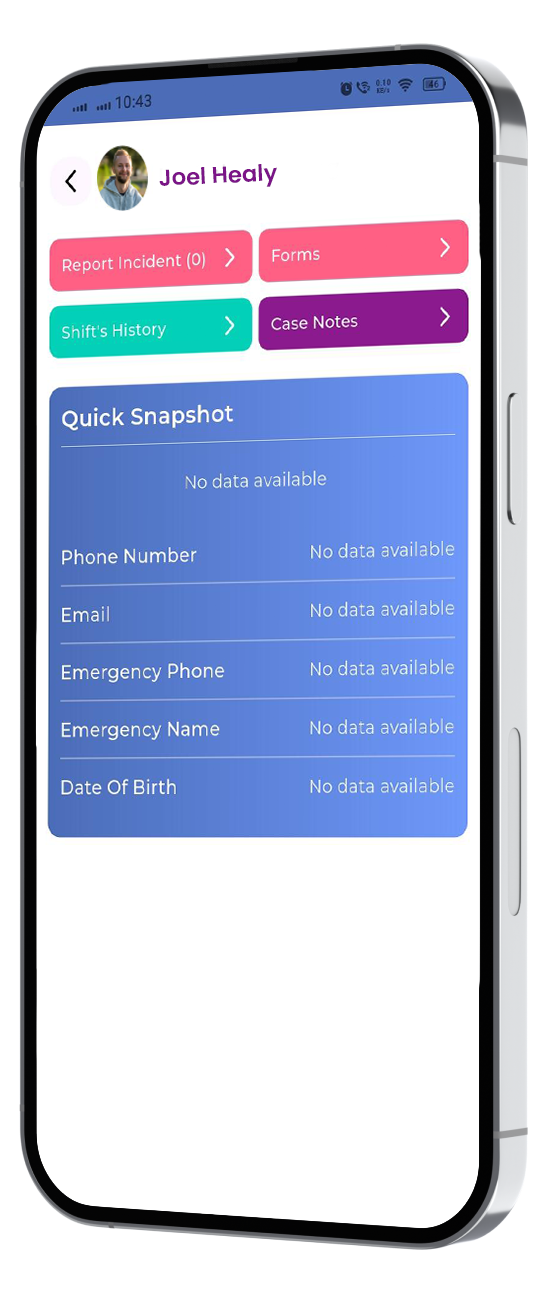
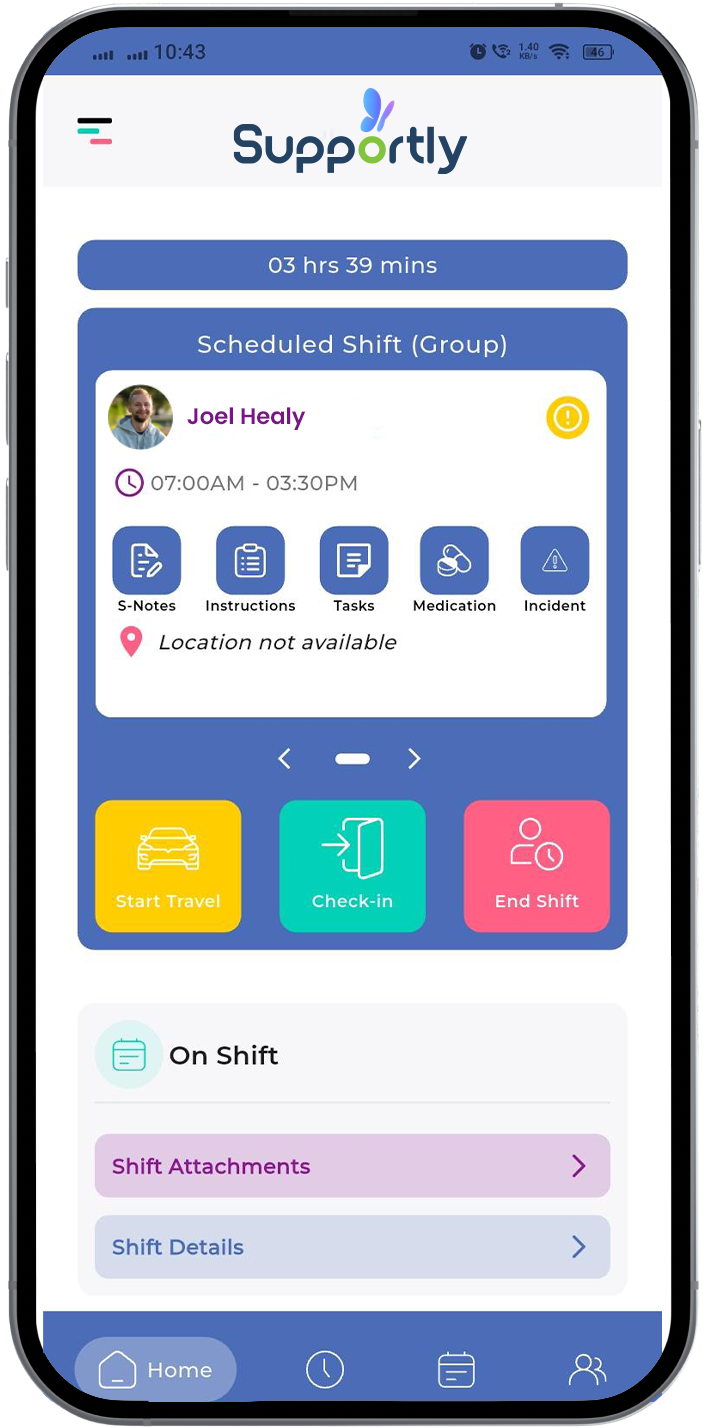
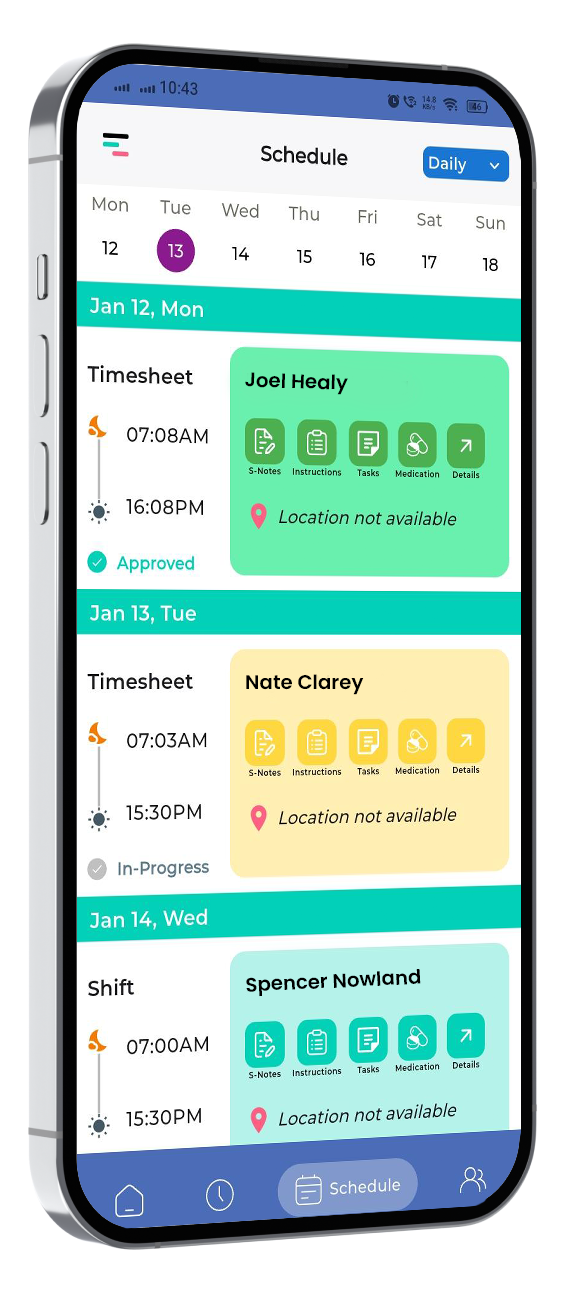
Supportly builds SCHADS interpretation directly into the payroll engine, rather than treating it as a manual add-on. The system reads shift data straight from the rostering module.
When a shift is created, a broken shift, a public holiday engagement, a sleepover, an overnight support session, Supportly automatically identifies which SCHADS rules apply. It checks the worker's classification, level, and pay point against the shift type.
The correct base rate, penalty rate, overtime status, and allowance are then applied without a payroll officer manually calculating each one. This removes the single biggest source of human error in NDIS payroll.
Because rostering and payroll share the same data, there's no re-keying between systems. A shift entered once in the roster flows through to a compliant pay run, with the award logic already applied.
When the Fair Work Commission hands down its Annual Wage Review each year, Supportly updates its rate tables centrally. Every provider on the platform gets the new rates applied from the correct effective date, without manual reconfiguration.
Supportly also flags shifts that fall outside standard patterns, minimum engagement breaches, unusual overtime triggers, or allowance combinations that need a second look, so payroll teams can review edge cases before a pay run is finalised, not after.
Providers using Supportly get an audit trail for every pay decision. If Fair Work or the Fair Work Ombudsman ever asks how a specific payment was calculated, the answer is documented automatically rather than reconstructed from memory.
Setting Up SCHADS Payroll Interpretation in Supportly
Getting your organisation onto automated SCHADS interpretation follows a straightforward setup process.
Step 1: Import your workforce data. Add each worker's classification, level, pay point, and employment type so Supportly can match them against the correct SCHADS schedule.
Step 2: Connect your rostering module. Link Supportly's rostering system so shift data flows directly into payroll without manual entry.
Step 3: Confirm your award schedule. Verify the current SCHADS pay rates and allowances are loaded and matched to your workers' streams.
Step 4: Run a test pay cycle. Process a sample pay run and review the flagged shifts, penalty rates, and allowances before going live.
Step 5: Go live with automated interpretation. Approve the setup and let Supportly apply correct SCHADS entitlements to every future pay run automatically.

Ready to Eliminate SCHADS Payroll Errors?
Manual SCHADS interpretation puts your organisation one missed penalty rate away from a costly back-payment claim. Supportly removes that risk by applying the correct award rules automatically, every shift, every pay run.
See Supportly SCHADS Payroll Interpretation — Book a Demo
Frequently Asked Questions
How often does the SCHADS Award change, and how does Supportly keep up?
SCHADS rates typically rise once a year following the Fair Work Commission's Annual Wage Review, usually effective from the first full pay period on or after 1 July. Supportly updates its rate tables centrally so every provider gets the change applied from the correct date automatically.
What happens to our existing pay runs when SCHADS rates change mid-year?
Supportly applies the new rates from the correct effective pay period going forward. Historical pay runs remain unaffected, and the system flags any transition-period shifts that need manual confirmation.
Are we still liable for underpayment if we use payroll software?
Yes, the legal obligation to pay correctly sits with the employer, not the software. Automated SCHADS interpretation significantly reduces the risk of human error, which is the leading cause of underpayment claims in the sector.
Does Supportly integrate with Xero for accounting?
Yes. Supportly's payroll module syncs pay run data with Xero, so SCHADS-compliant wages flow through to your accounting records without duplicate entry.
Can Supportly handle multiple SCHADS streams if our workforce spans support work and case management?
Yes. Supportly applies the correct schedule, Disability Services, Home Care, or Social and Community Services, based on each worker's classification, so mixed workforces are covered under one system.