























TL;DR:
Most NDIS reportable incidents must be notified to the NDIS Quality and Safeguards Commission within 24 hours of your key personnel becoming aware of them. A more detailed 5-day report follows.
Missed deadlines rarely come from careless staff. They come from paper forms, late handovers and incidents sitting in someone's inbox over a weekend.
Supportly's NDIS incident management lets workers lodge from the mobile app, alerts the right manager on lodgement and tracks the 24-hour and 5-day windows automatically.
See it in action: Book a Free Demo → 7-day free trial. Worker accounts free. Total Suite is month to month.
What counts as a reportable incident?
A reportable incident is a serious incident, or an allegation of one, that happens in connection with the NDIS supports or services you deliver. The categories are set out in the NDIS (Incident Management and Reportable Incidents) Rules 2018.
There are six categories:
- The death of a person with disability.
- Serious injury of a person with disability.
- Abuse or neglect of a person with disability.
- Unlawful sexual or physical contact with, or assault of, a person with disability.
- Sexual misconduct committed against, or in the presence of, a person with disability, including grooming.
- Use of a restrictive practice that isn't in line with a state or territory authorisation or a behaviour support plan.
Allegations count too. You don't need proof before you notify. If a worker, participant or family member raises something that may fit one of these categories, treat it as reportable until you know otherwise.
The 24-hour and 5-day deadlines explained
The NDIS Commission uses two reporting tiers. The clock starts when your key personnel, such as your CEO or a director, become aware of the incident. It does not start when the paperwork reaches them.
| Incident type | Initial notification | Follow-up |
|---|---|---|
| Death, serious injury, abuse or neglect, unlawful contact or assault, sexual misconduct | Within 24 hours of key personnel becoming aware | Detailed 5-day report within 5 business days |
| Unauthorised restrictive practice that causes harm | Within 24 hours | Detailed 5-day report within 5 business days |
| Unauthorised restrictive practice with no harm | Within 5 business days | Further information if the Commission asks |
| Final report | Only if the Commission requests one | Due by the date the Commission sets |
Timeframes checked November 2026 against NDIS Commission guidance. Always confirm against the Commission's current rules.
Why providers miss the 24-hour window
Most providers know the rule. The problem is the gap between an incident happening and a manager finding out.
Paper and PDF forms. A worker fills in a form at the end of a shift, then hands it in the next day. Half the 24 hours is already gone.
Weekends and nights. An incident at 9pm on a Friday lands in an inbox nobody checks until Monday morning.
No clear owner. When nobody is assigned to the incident, everyone assumes someone else has notified the Commission.
Wrong category. An incident logged as a minor injury that is actually a serious injury never triggers the 24-hour process at all.
Scattered information. The participant's details are in one system, the roster in another and the behaviour support plan in a shared drive. Pulling it together takes hours you don't have.

A 5-step incident workflow that meets every deadline
A good incident process makes the right action the easy action. Here's a workflow that works whether you support 10 participants or 500.
Step 1: Keep everyone safe first
Immediate safety always comes before paperwork. Call emergency services if needed, provide first aid and make sure the participant and others are safe. Preserve any evidence.
Step 2: Capture the facts at the scene
The worker records what happened while it's fresh, ideally on a phone before leaving the shift. Guided forms make sure the time, location, people involved and actions taken are all captured.
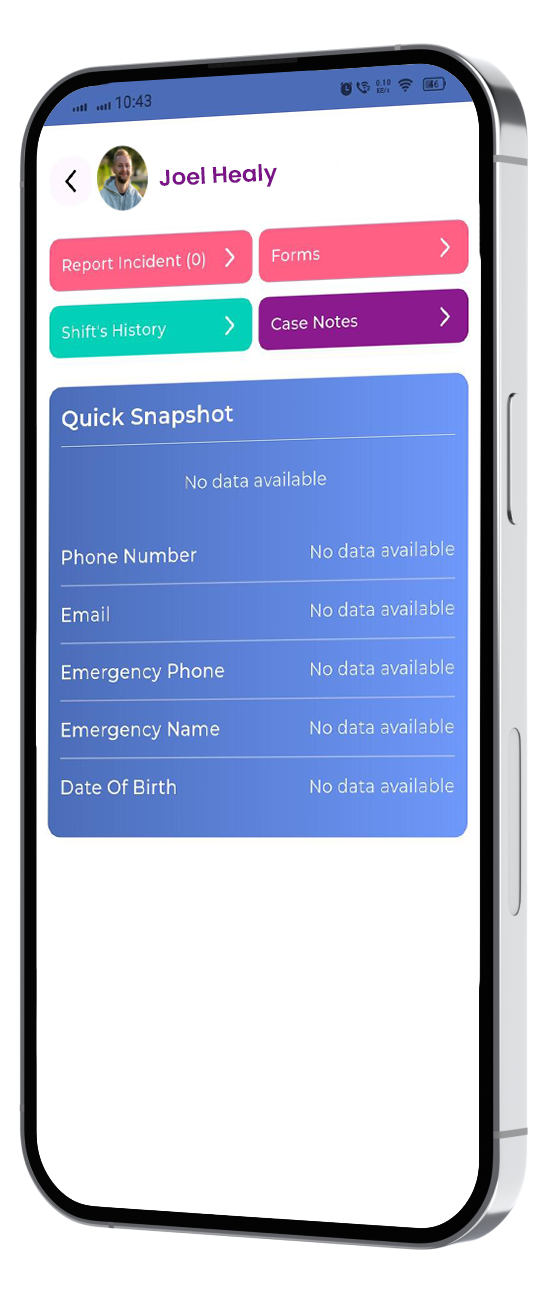
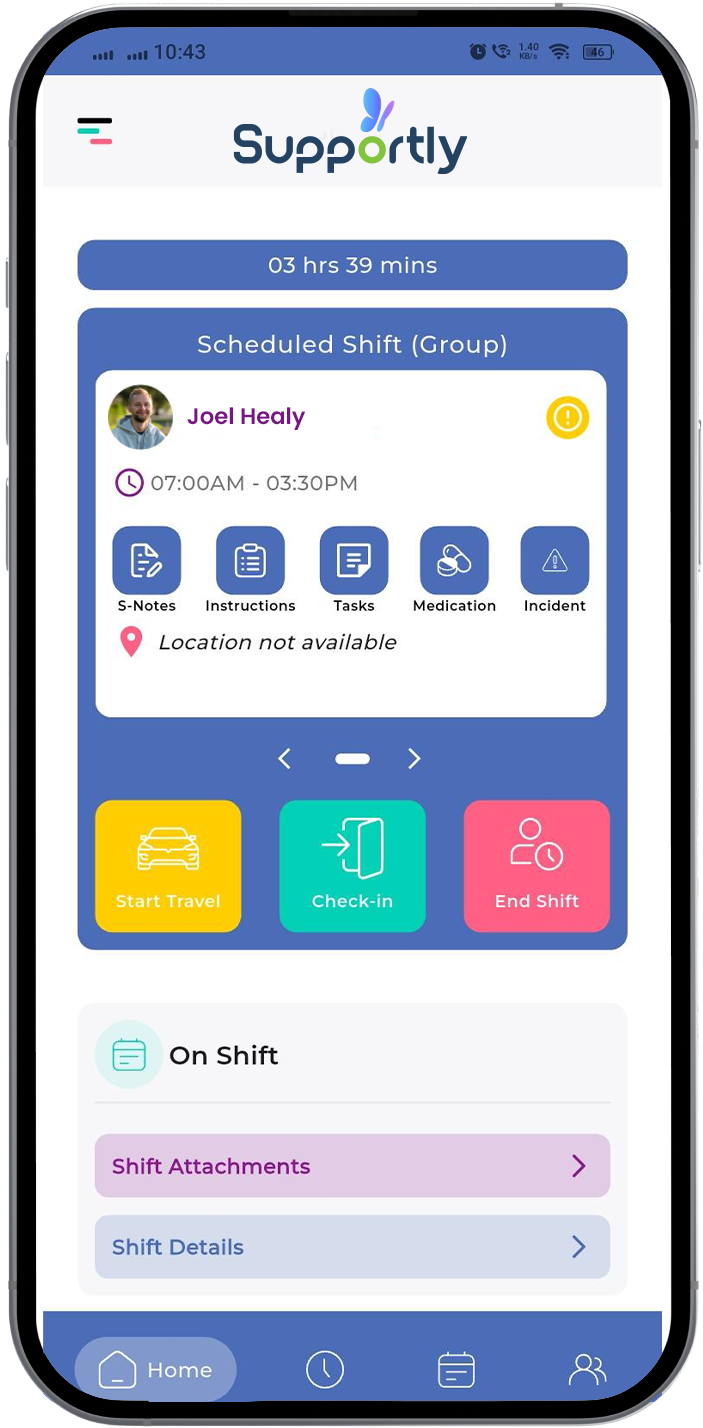
With Supportly, workers can report an incident from anywhere using the free support worker app. Required fields stop incomplete reports from being submitted.
Step 3: Classify and escalate straight away
The incident is checked against the six reportable categories. If it might be reportable, a manager with authority to notify the Commission is told immediately, not at the next team meeting.
Step 4: Notify the Commission within 24 hours
Key personnel lodge the initial notification through the NDIS Commission portal. Record exactly when it was sent and by whom.
Step 5: Complete the 5-day report and close the loop
Within 5 business days, submit the detailed report. Cover what happened, the actions taken, how people were kept safe and any risks that remain. Then record follow-up actions, update risk assessments and support plans, and close the incident with evidence attached.
Want to see this workflow running in your own account? Book a 15-minute walkthrough → 7-day free trial. Worker accounts free. Total Suite is month to month.
How Supportly handles reportable incidents
Supportly's incident management connects reporting, manager alerts and compliance evidence in one live system, from first report to formal closure.
Reports linked to the right records. Incident details link automatically to participant profiles, rosters and risk assessments, so nobody types the same information twice.
The right manager, notified instantly. You choose which severity and incident types notify which manager, once. After that, manager notification and reporting sends the alert the moment an incident is logged.
Deadlines tracked for you. Supportly prompts the right reportable category at the point of logging and flags incidents that need Commission notification. The 24-hour and 5-day windows are tracked automatically, and your team is alerted before a deadline is missed.
One dashboard for every incident. The incident dashboard shows every open and closed incident by severity, owner and status. It flags overdue resolutions before they become a Commission issue.
Commission-ready reports. Records are structured against Commission reporting categories, so you can generate an audit-ready incident report with one click instead of reformatting it.
Trends you can act on. Incident trends across teams and locations feed into staff training and care adjustments, so the same incident is less likely to happen twice.
Paper forms vs connected incident management
| Supportly | Paper forms and spreadsheets | |
|---|---|---|
| How incidents are lodged | Guided mobile form at the scene | Paper or PDF form after the shift |
| Manager alert | Instant, based on severity and type | When someone reads the form or email |
| Reportable category | Prompted at the point of logging | Decided later, often from memory |
| 24-hour and 5-day deadlines | Tracked automatically with alerts | Tracked manually, if at all |
| Linked records | Participant, roster and risk assessment linked | Copied across by hand |
| Audit trail | Secure history from first report to closure | Scattered across folders and inboxes |
| Reporting | Commission-ready report in one click | Compiled manually in a spreadsheet |
Features checked November 2026. See the Supportly incident management page for current details.

What auditors look for in your incident records
Every registered NDIS provider needs an incident management system that meets the NDIS Practice Standards. At audit, you'll need to show it works in practice, not just on paper.
- Every reportable incident was notified within the required timeframe.
- Each record shows who reported it, who was notified and when.
- Follow-up actions are documented and linked to the incident.
- Participants were involved and supported through the process.
- Incident trends are reviewed and used to improve services.
If you're preparing for an audit, our guide to staying audit-ready with NDIS compliance software covers the wider picture. To compare how different platforms show compliance data, see our NDIS compliance dashboard comparison.
Make every incident deadline visible
Missed incident deadlines are rarely a people problem. They're a process problem, and the fix is a system that gets the right information to the right manager straight away.
Supportly connects mobile reporting, instant manager alerts and automatic deadline tracking with the rest of your NDIS compliance management. Every incident is on time, on record and ready for audit.
Start your 7-day free trial → or Book a Free Supportly Demo → 7-day free trial. Worker accounts free. Total Suite is month to month.
FAQs
How long do I have to report an NDIS reportable incident?
Most reportable incidents must be notified to the NDIS Commission within 24 hours of your key personnel becoming aware of them. A detailed 5-day report follows within 5 business days. Unauthorised restrictive practices that cause no harm must be notified within 5 business days.
Do I need to report allegations, or only confirmed incidents?
Allegations must be reported too. You don't need to prove an incident happened before you notify the Commission.
Who are key personnel?
Key personnel are the people who lead or manage your organisation, such as your CEO, directors and others with authority over how services are delivered. The 24-hour clock starts when one of them becomes aware of the incident.
Does Supportly lodge the report with the Commission for me?
Supportly generates a Commission-ready incident report, tracks the 24-hour and 5-day deadlines and logs when each notification was sent. Your key personnel then lodge the notification through the NDIS Commission portal.
Can support workers report incidents from their phone?
Yes. Workers can lodge a full incident report from the free Supportly app on iOS and Android. Required fields make sure nothing important is missed.